Microsoft Word
Non-breaking spaces (U+00A0), smart quotes, and nested list codes.
Clear unwanted bolding, header tags, and erratic font styling with a single click. Keep your documents consistent with clean, unformatted plain text.
Where odd spaces, smart quotes, and hidden formatting bugs actually originate.
Non-breaking spaces (U+00A0), smart quotes, and nested list codes.
Clipboard HTML carrying hidden spans, non-standard spaces, and curly apostrophes.
Outlook and Gmail pastes that inject hidden font styles and inline spacing.
Soft hyphens, broken line feeds, and ghost spaces copied from PDF viewers.
See the difference
See how rich-text formatting is flattened into clean plain text.
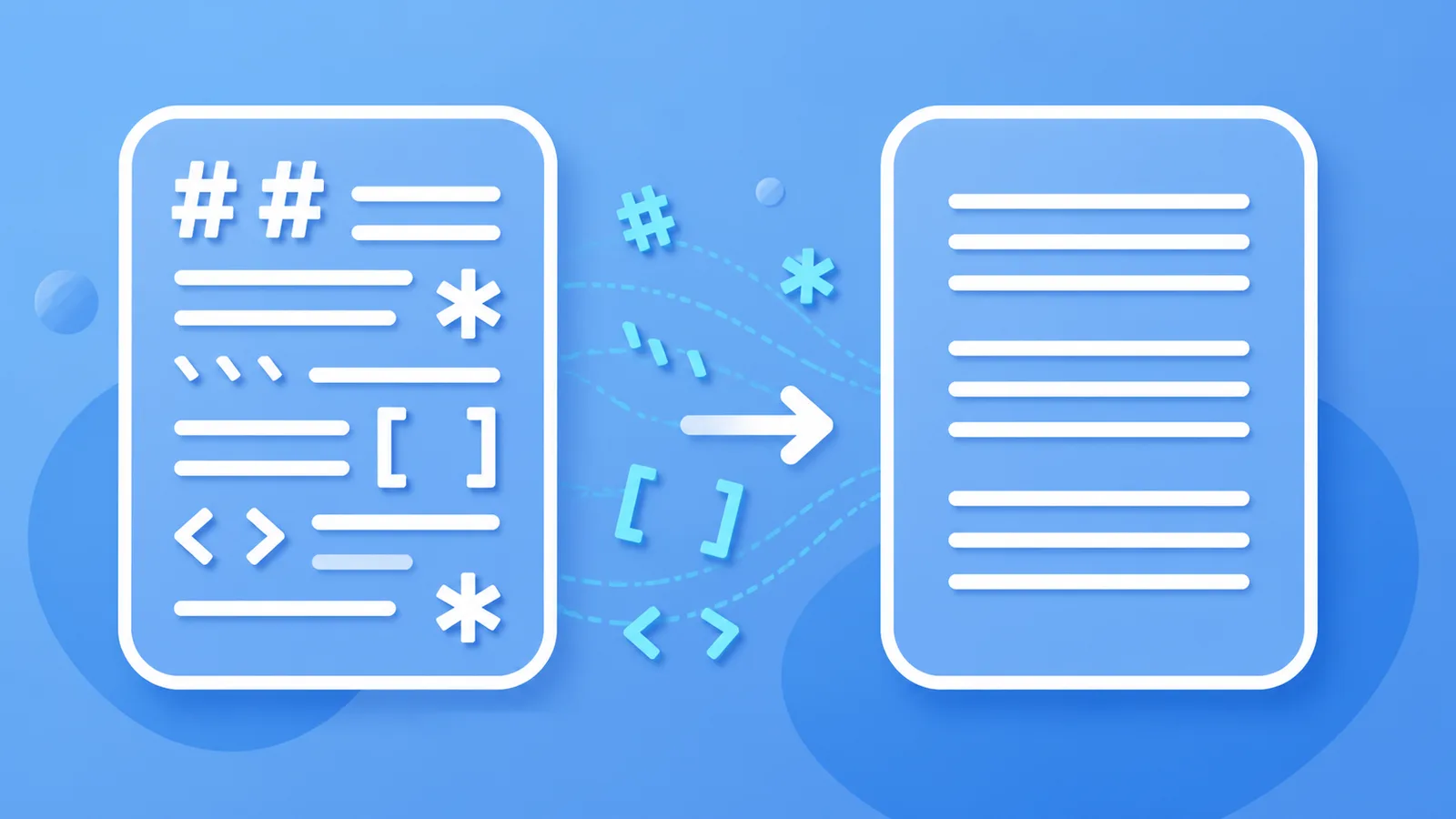
Here’s the summary: **Section 1** - Item A with narrow space > Note: verify carefully
Here's the summary:

Section 1
• Item A with narrow space

Note: verify carefully
Why Clean Paste Matters
Clear unwanted bolding, header tags, and erratic font styling with a single click. Keep your documents consistent with clean, unformatted plain text.
Strips non-breaking spaces, span tags, and font codes locally in browser memory.
Restructures repetitive transition phrasing via Pro rewrite.
Our invisible character and markdown cleaners run directly inside your browser. No private text is ever uploaded for free cleaning.
How It Works
Drop your draft into the workspace to inspect for formatting artifacts immediately.
Click Clean to strip rich-text tags and normalize spacing in milliseconds.
Copy your clean text, or use Pro credits to adjust sentence flow.
Features
Scan and strip 60+ non-printing Unicode code points, joiners, and ghost spaces locally in your browser.
Flatten raw headings, bold asterisks, blockquotes, and code fences into clean plain text for publishing.
Reconstruct draft phrasing using Pro semantic rewriting when watermarks are embedded directly in word choice.
Refine stiff transition formulas and mechanical sentence pacing into organic, reader-friendly prose.
Definition
Copying text from Microsoft Word, Google Docs, PDFs, or email clients often injects unwanted rich-text styling spans, non-breaking spaces (U+00A0), and erratic font sizes into your clipboard.
Clean Paste AI flattens these complex rich-text structures into clean plain text instantly in your browser.
All processing runs 100% locally on your computer with complete confidentiality.
Optional Pro rewrites allow you to polish sentence cadence after formatting has been removed.
Technical Sources
Invisible Unicode artifacts, Markdown residue, and official statistical watermarks are three distinct mechanisms with different solutions.
| Mechanism | Technical Description | How Clean Paste AI Handles It |
|---|---|---|
| Invisible Unicode Artifacts | Zero-width spaces (U+200B), narrow no-break spaces (U+202F), and format code points copied from web UIs. | Free local in-browser scan and deletion. Visible words remain unchanged. |
| Markdown & Formatting Noise | Heading hashes, bold asterisks, code fences, and bracketed links. | Free local in-browser stripping to clean plain text. |
| Statistical Sampling Watermarks | Mathematical bias in token selection probability during model generation (e.g., Claude's official watermark). | Pro semantic sentence reconstruction. Rebuilds phrasing while keeping meaning intact. |
“Nothing is added to the text and there are no hidden characters.”
“U+200B ZERO WIDTH SPACE is intended for line break control without displaying a visible space.”
Markdown syntax adheres to the CommonMark specification: CommonMark Specification.
Use Cases
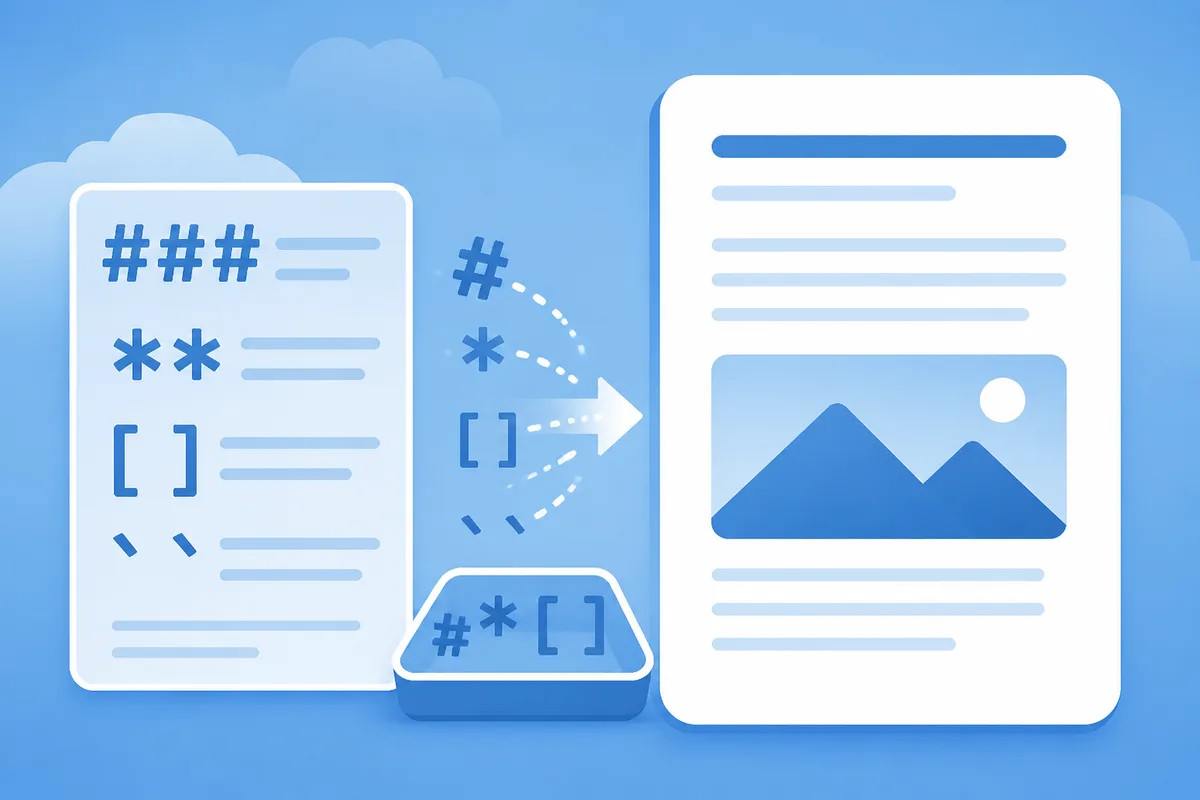
Flatten Word and Google Docs HTML styling, non-breaking spaces, and smart quotes into plain text.
Open the tool →
Strip hidden font styles and inline span tags when copying from Outlook or Gmail into other applications.
Open the tool →
Remove soft hyphens, broken line wraps, and irregular margins left behind when copying from PDF documents.
Open the tool →
Prepare clean, distraction-free plain-text memos for legal, executive, and administrative records.
Open the tool →Testimonials
“Pasting from AI into Google Docs used to create weird font glitches. Clean Paste AI strips the zero-width spaces in one click before I paste.”
Publishing Editor
Digital Media
“The Markdown stripper is essential for our knowledge base. It turns chatty Markdown output into pristine plain text without file uploads.”
Technical Writer
SaaS Documentation
“I love that the Unicode cleaner runs locally in my browser. Confidential client drafts stay private, and the Pro rewrite helps when cadence is stiff.”
Copywriter
Content Agency
Tools
Explore dedicated walkthroughs for cleaning output from specific AI platforms.
Strip hashtags, asterisks, and backticks from AI output to get pure plain text. Paste clean paragraphs into email, Word, or plain text fields easily.
Markdown Remover →Convert raw markdown clipboard text into clean, unformatted sentences in seconds. Prevent stray hashes and bullets from breaking your document layout.
Markdown Clipboard Cleaner →Strip markdown syntax and unwanted clipboard styling from your text. Produce clean plain text ready for spreadsheets, documents, and CMS fields.
Text Formatting Remover →Pricing
Remove formatting free forever locally, with Pro credits available for sentence revisions.
View Pricing PlansWe flatten text formatting and provide meaning-preserving rewrites; we do not claim detector bypass.
FAQ
It strips rich-text styling spans, non-breaking spaces (U+00A0), smart quotes, font tags, and inline styles.
Yes. All formatting removal executes entirely inside your browser memory.
No. Natural paragraph breaks and line breaks are preserved while styling tags are flattened.
Yes. It strips hidden font styles and background spans copied from Outlook or Gmail.
Use Pro rewrite when you want to refine stiff phrasing after removing formatting.
No. We focus on clean formatting and readable copy without false detector-evasion claims.
About
Optional Pro rewrites allow you to polish sentence cadence after formatting has been removed.
Clear unwanted bolding, header tags, and erratic font styling with a single click. Keep your documents consistent with clean, unformatted plain text.