1. Invisible Character Deletion
Deletes 60+ non-printing Unicode code points and normalizes whitespace locally for free.
Strip non-breaking spaces, zero-width joiners, and hidden Unicode tags from your text. Ensure clean, predictable paste behavior in any text editor.
These code points appear most frequently in AI chat pastes and document exports. The full scan covers 60 characters; here are the common offenders.
| Code | Character name | Why it breaks pastes |
|---|---|---|
| U+200B | Zero Width Space | Invisible separator; breaks word counts, search and URLs. Common AI/copy artifact. |
| U+200C | Zero Width Non-Joiner | Invisible; controls ligature joining. Often unintended residue. |
| U+200D | Zero Width Joiner | Invisible; joins glyphs/emoji. Can be watermark residue in plain text. |
| U+FEFF | Zero Width No-Break Space (BOM) | Byte order mark / invisible; corrupts leading text and parsing. |
| U+00A0 | No-Break Space | Looks like a space but blocks line breaks; breaks search matching. |
| U+202F | Narrow No-Break Space (NNBSP) | The main 'ChatGPT o3/o4-mini' artifact. Looks like a space, different code point. |
| U+00AD | Soft Hyphen | Invisible unless line wraps; splits words for search. |
| U+202E | Right-To-Left Override | Bidi override; strong spoofing risk. |
Our in-browser scanner checks the full catalog of 60 invisible code points, including directional controls and zero-width joiners.
See the difference
See how invisible Unicode characters are stripped to produce pristine text.
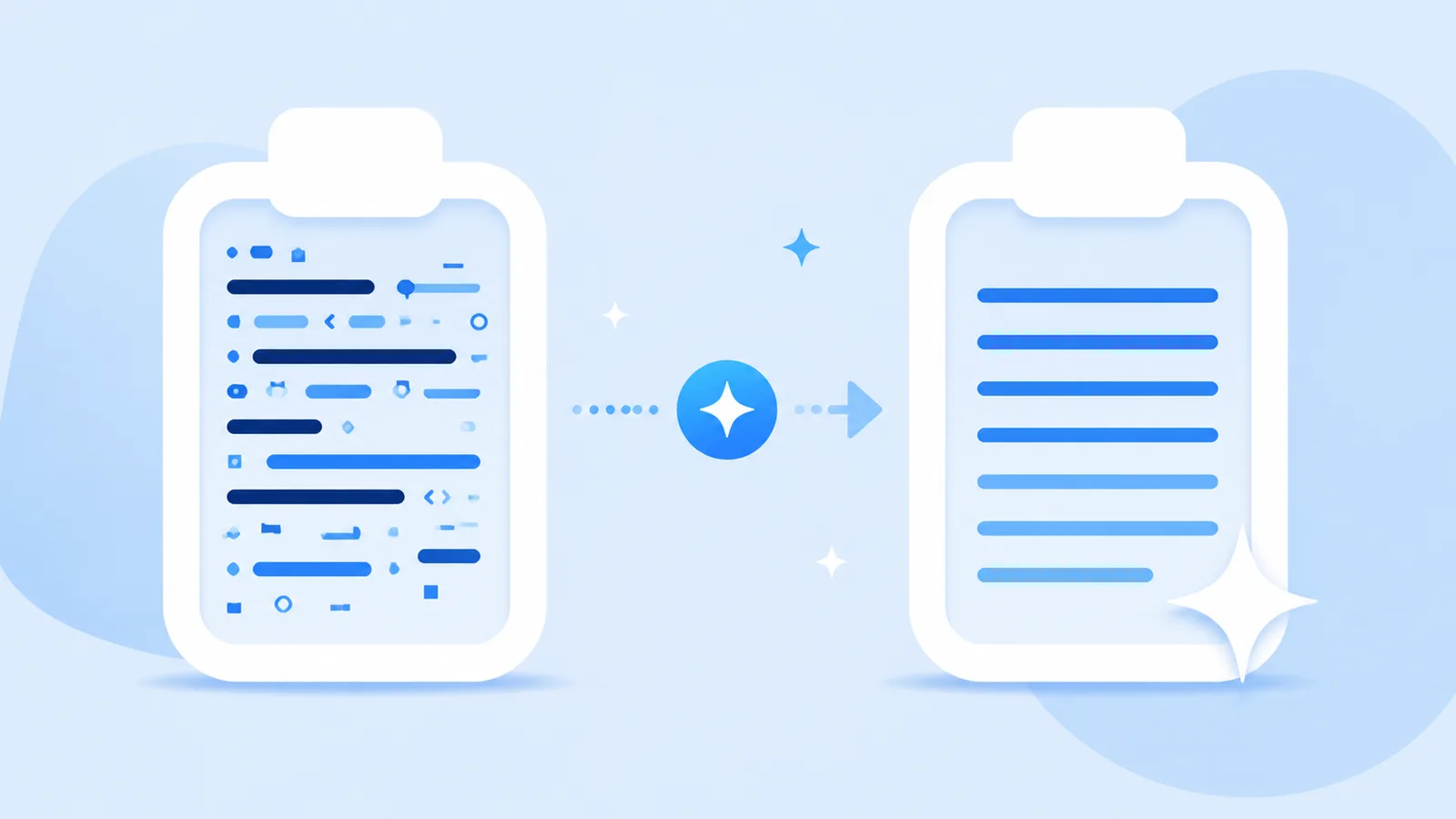
Here’s the summary: **Section 1** - Item A with narrow space > Note: verify carefully
Here's the summary:

Section 1
• Item A with narrow space

Note: verify carefully
Why Clean Paste Matters
Strip non-breaking spaces, zero-width joiners, and hidden Unicode tags from your text. Ensure clean, predictable paste behavior in any text editor.
Deletes 60+ non-printing Unicode code points and normalizes whitespace locally for free.
Refines rigid transitions and repetitive cadence via Pro rewrite.
Our invisible character and markdown cleaners run directly inside your browser. No private text is ever uploaded for free cleaning.
How It Works
Paste your text to scan for 60+ invisible Unicode code points immediately.
Click Clean to remove all non-printing characters and normalize whitespace in milliseconds.
Copy your clean text, or use Pro credits to adjust sentence flow.
Features
Scan and strip 60+ non-printing Unicode code points, joiners, and ghost spaces locally in your browser.
Flatten raw headings, bold asterisks, blockquotes, and code fences into clean plain text for publishing.
Reconstruct draft phrasing using Pro semantic rewriting when watermarks are embedded directly in word choice.
Refine stiff transition formulas and mechanical sentence pacing into organic, reader-friendly prose.
Definition
Unicode contains dozens of invisible formatting codes, control characters, and non-breaking spaces designed for specialized typography. When copied into standard text editors, these hidden codes cause unexpected line wraps, search matching errors, and broken string comparisons.
Clean Paste AI's Unicode Remover scrubs these invisible code points from your text directly within your web browser in milliseconds.
All processing happens 100% locally on your computer with complete privacy.
Optional Pro rewrites allow you to transform stiff formulations into engaging, natural prose.
Technical Sources
Invisible Unicode artifacts, Markdown residue, and official statistical watermarks are three distinct mechanisms with different solutions.
| Mechanism | Technical Description | How Clean Paste AI Handles It |
|---|---|---|
| Invisible Unicode Artifacts | Zero-width spaces (U+200B), narrow no-break spaces (U+202F), and format code points copied from web UIs. | Free local in-browser scan and deletion. Visible words remain unchanged. |
| Markdown & Formatting Noise | Heading hashes, bold asterisks, code fences, and bracketed links. | Free local in-browser stripping to clean plain text. |
| Statistical Sampling Watermarks | Mathematical bias in token selection probability during model generation (e.g., Claude's official watermark). | Pro semantic sentence reconstruction. Rebuilds phrasing while keeping meaning intact. |
“Nothing is added to the text and there are no hidden characters.”
“U+200B ZERO WIDTH SPACE is intended for line break control without displaying a visible space.”
Markdown syntax adheres to the CommonMark specification: CommonMark Specification.
Use Cases
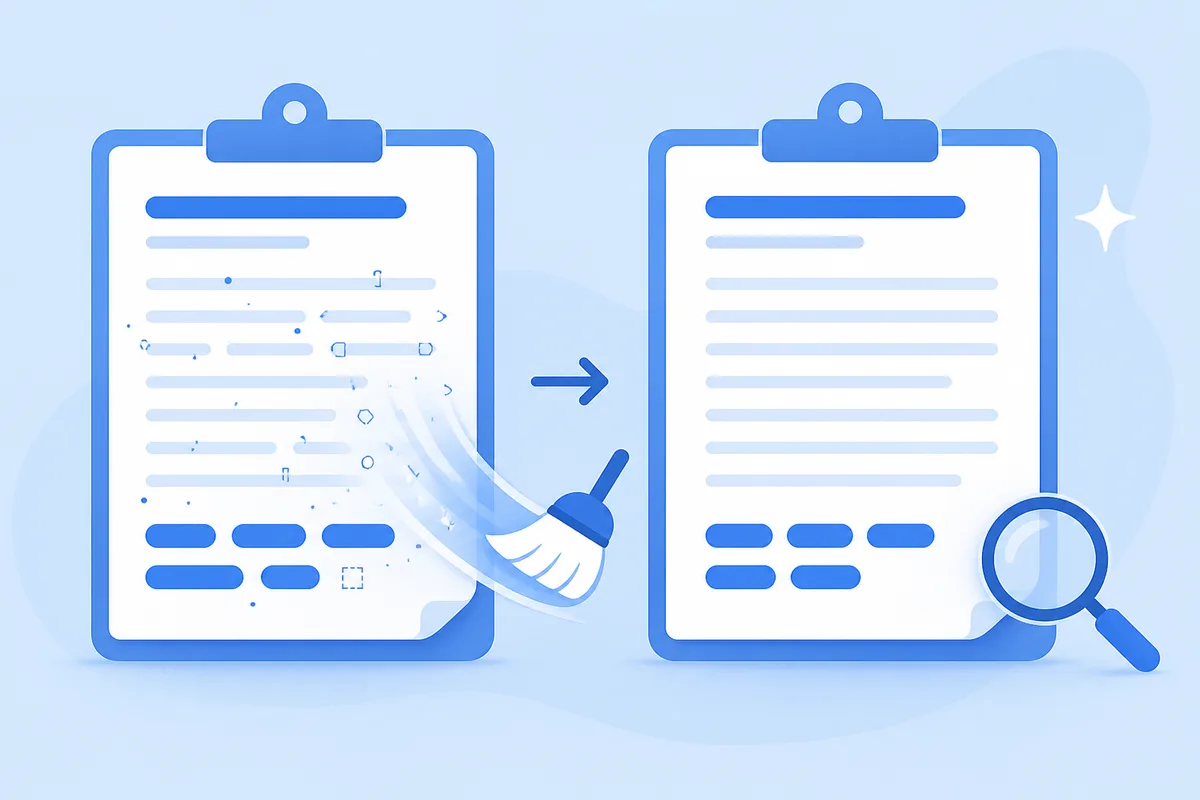
Remove all U+200B zero-width spaces and non-printing separators in one click without affecting visible words.
Open the tool →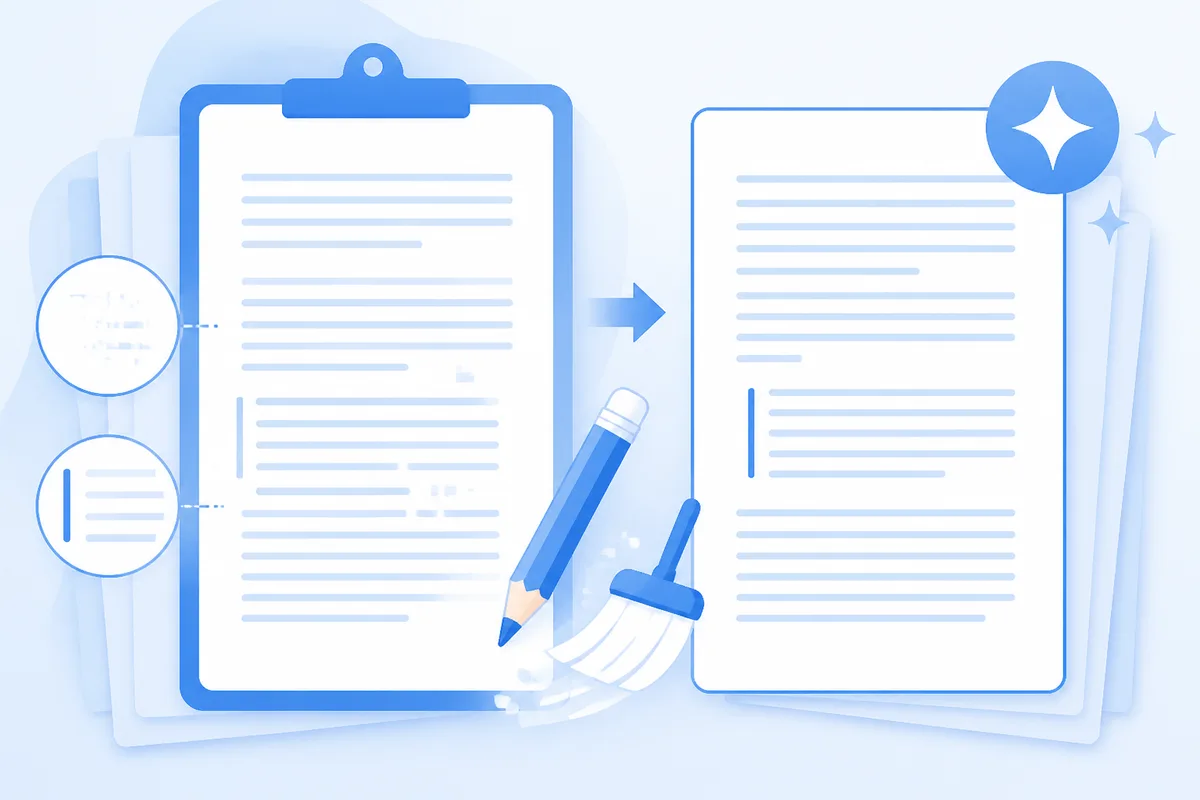
Strip Byte Order Marks (U+FEFF) and directional overrides that cause encoding mismatches in developer tools.
Open the tool →
Remove zero-width joiners (U+200D) and non-joiners (U+200C) that disrupt standard typography rules.
Open the tool →
Standardize irregular non-breaking spaces into clean ASCII spaces for predictable document behavior.
Open the tool →Testimonials
“Pasting from AI into Google Docs used to create weird font glitches. Clean Paste AI strips the zero-width spaces in one click before I paste.”
Publishing Editor
Digital Media
“The Markdown stripper is essential for our knowledge base. It turns chatty Markdown output into pristine plain text without file uploads.”
Technical Writer
SaaS Documentation
“I love that the Unicode cleaner runs locally in my browser. Confidential client drafts stay private, and the Pro rewrite helps when cadence is stiff.”
Copywriter
Content Agency
Tools
Explore dedicated walkthroughs for cleaning output from specific AI platforms.
Fix messy clipboard text by stripping zero-width artifacts, broken tags, and irregular line breaks instantly in your browser.
Clean Paste →Eliminate unwanted zero-width characters and irregular clipboard formatting before sharing documents. Review full residue counts to maintain spotless text.
Paste Clean →Remove hidden Unicode artifacts and awkward markup before pasting into email or office editors. Get spotless paragraphs with detailed character counts.
Clean Text →Pricing
Remove Unicode noise free forever locally, with Pro credits available for sentence revisions.
View Pricing PlansOur tool cleans character-level formatting issues and does not claim detector bypass.
FAQ
It strips zero-width spaces (U+200B), zero-width joiners (U+200D), zero-width non-joiners (U+200C), narrow no-break spaces (U+202F), byte order marks (U+FEFF), and directional controls.
Yes. All Unicode stripping executes 100% locally in your web browser using JavaScript.
No. It only removes non-printing invisible code points and normalizes irregular spaces; your visible words stay untouched.
Yes. Stripping narrow spaces and zero-width characters prevents parsing errors in Excel and Google Sheets.
Use Pro rewrite when your text is clean of formatting but the sentences sound robotic or repetitive.
No. Character cleaning restores typography and does not claim detector bypass.
About
Optional Pro rewrites allow you to transform stiff formulations into engaging, natural prose.
Strip non-breaking spaces, zero-width joiners, and hidden Unicode tags from your text. Ensure clean, predictable paste behavior in any text editor.