Paste Without Formatting vs. Unicode Cleaning: What Ctrl+Shift+V Actually Does
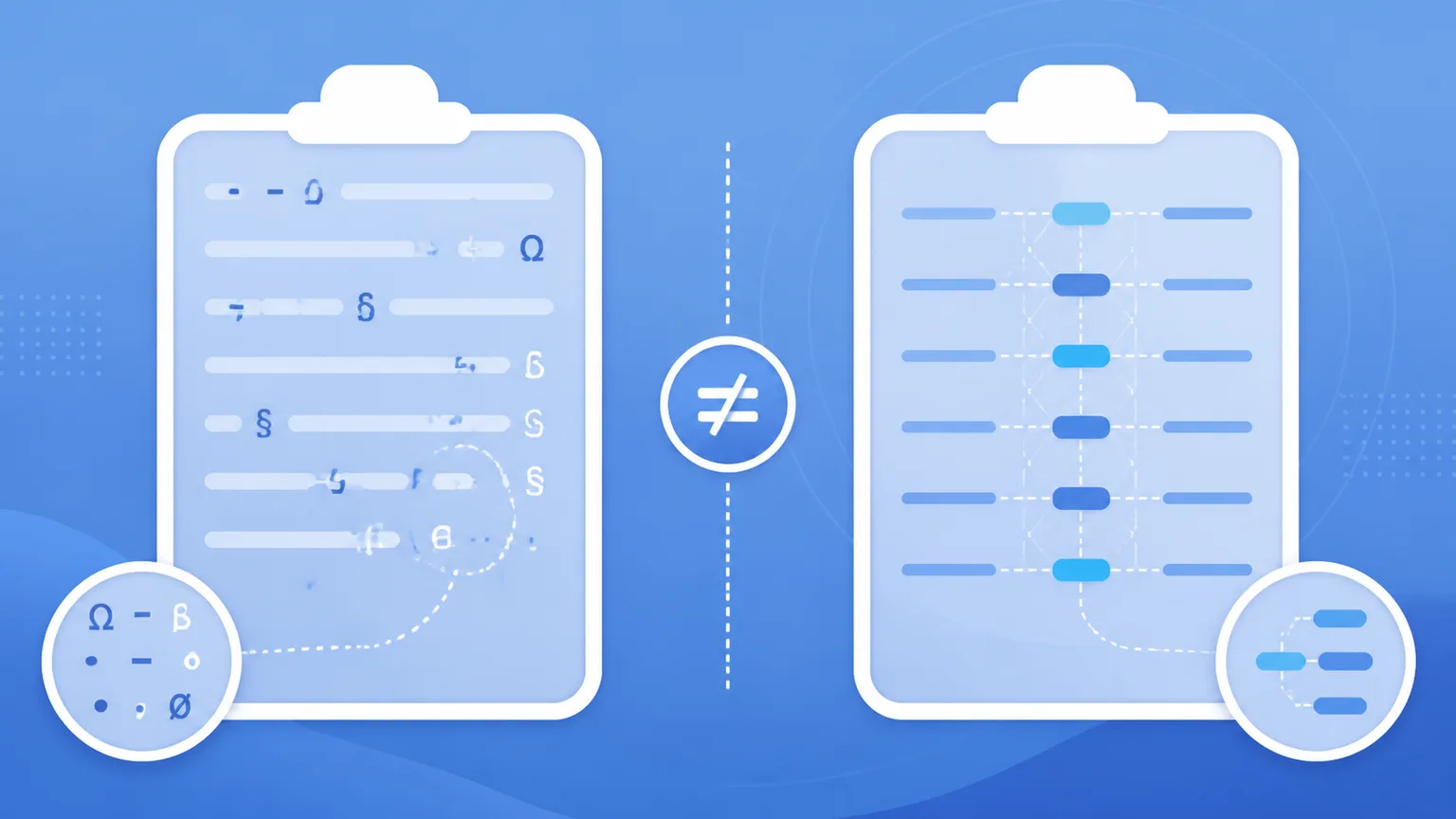
Ctrl+Shift+V removes rich formatting, not necessarily nonstandard Unicode. A standards-based guide to plain-text paste, hidden characters, and cleanup.
Blog
In-depth guides on clipboard hygiene, invisible Unicode artifacts, markdown residue, and AI text reconstruction.

Ctrl+Shift+V removes rich formatting, not necessarily nonstandard Unicode. A standards-based guide to plain-text paste, hidden characters, and cleanup.

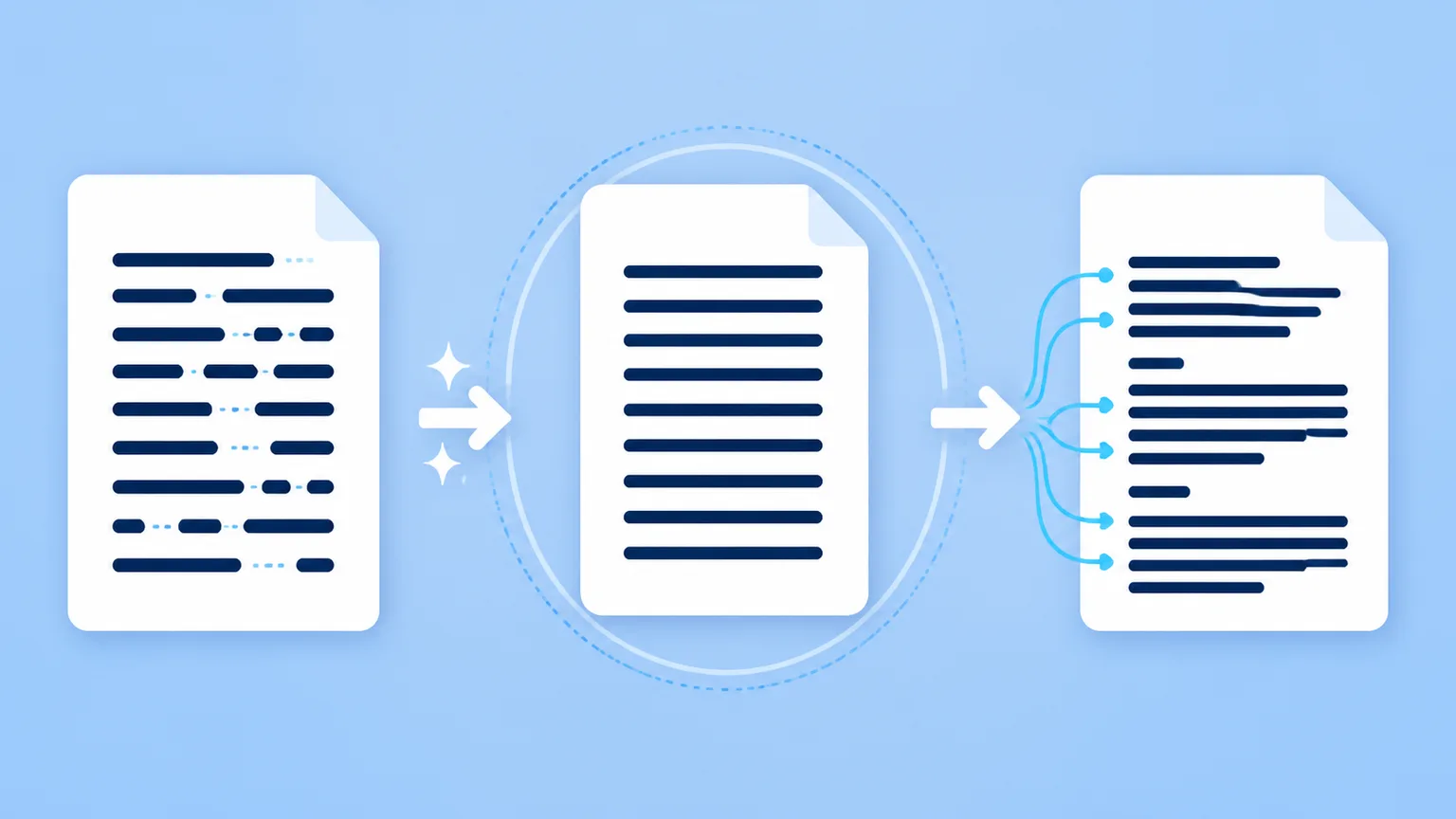
In the world of AI text processing, local character sanitation is the essential first step. Stripping invisible Unicode code points (like zero-width joiners and narrow no-break spaces) and removing unrendered markdown tags restores clean typography and fixes document glitches.

Copying text from AI assistants into Microsoft Word, Google Docs, Notion, or Excel seems simple on the surface. Yet almost everyone who uses AI regularly has experienced strange formatting bugs: mysterious font shifts, erratic line wraps, spreadsheet formulas that suddenly return `#VALUE!`, or database search queries that fail for no apparent reason.

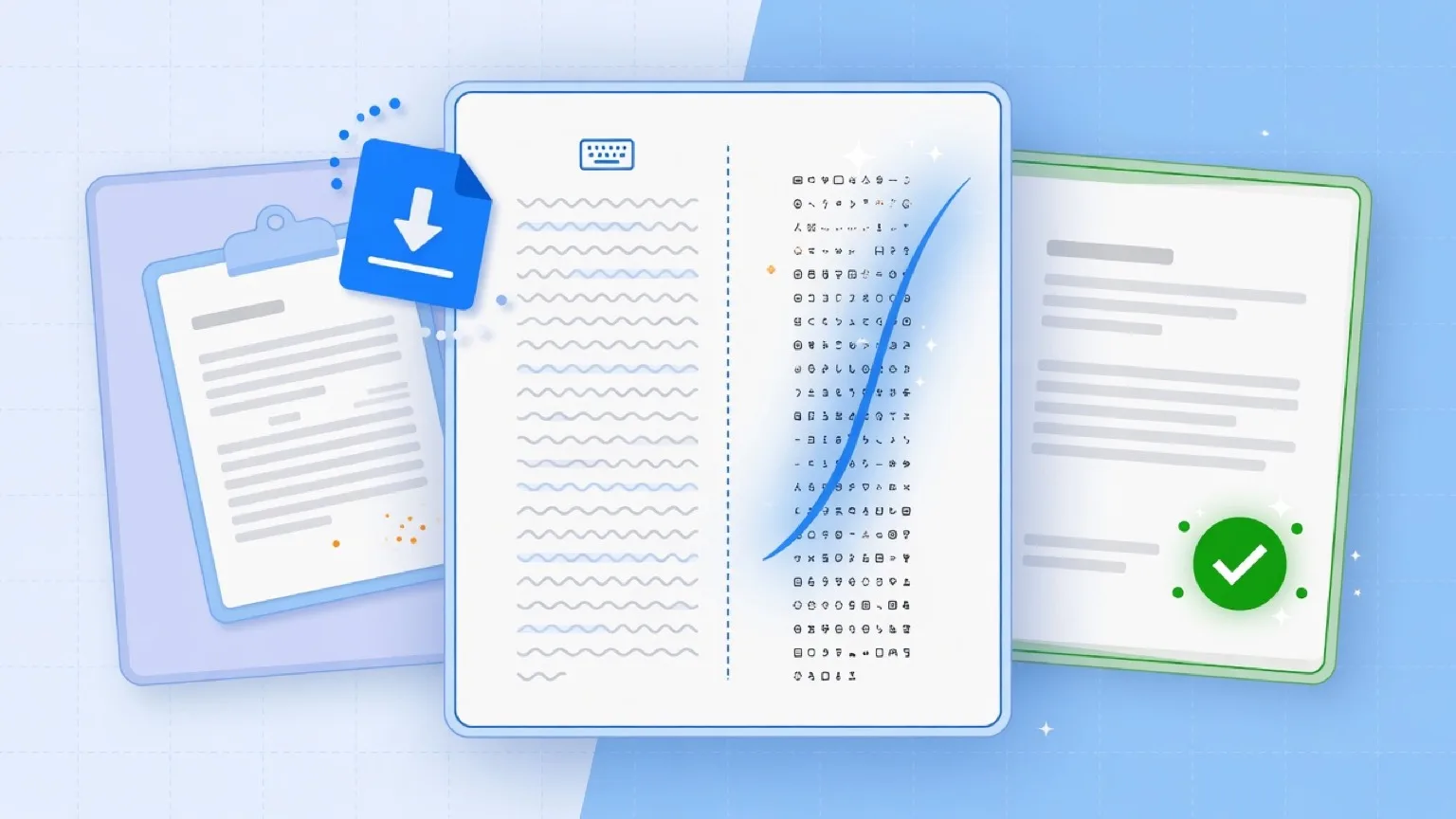
When you copy text from modern artificial intelligence models, subtle artifacts often travel with it. However, not all "AI marks" are created equal. In technical discussions and day-to-day writing workflows, creators frequently confuse two completely different layers of text traces: **clipboard paste residue** and **statistical sampling watermarks**.