100% Local In-Browser Execution
Our invisible character and markdown cleaners run directly inside your browser. No private text is ever uploaded for free cleaning.
Strip hidden Unicode and markdown residue before you paste.
See the difference
Invisible characters and rogue formatting don't show in chat windows — until they corrupt formulas, search indexes, or document typography.
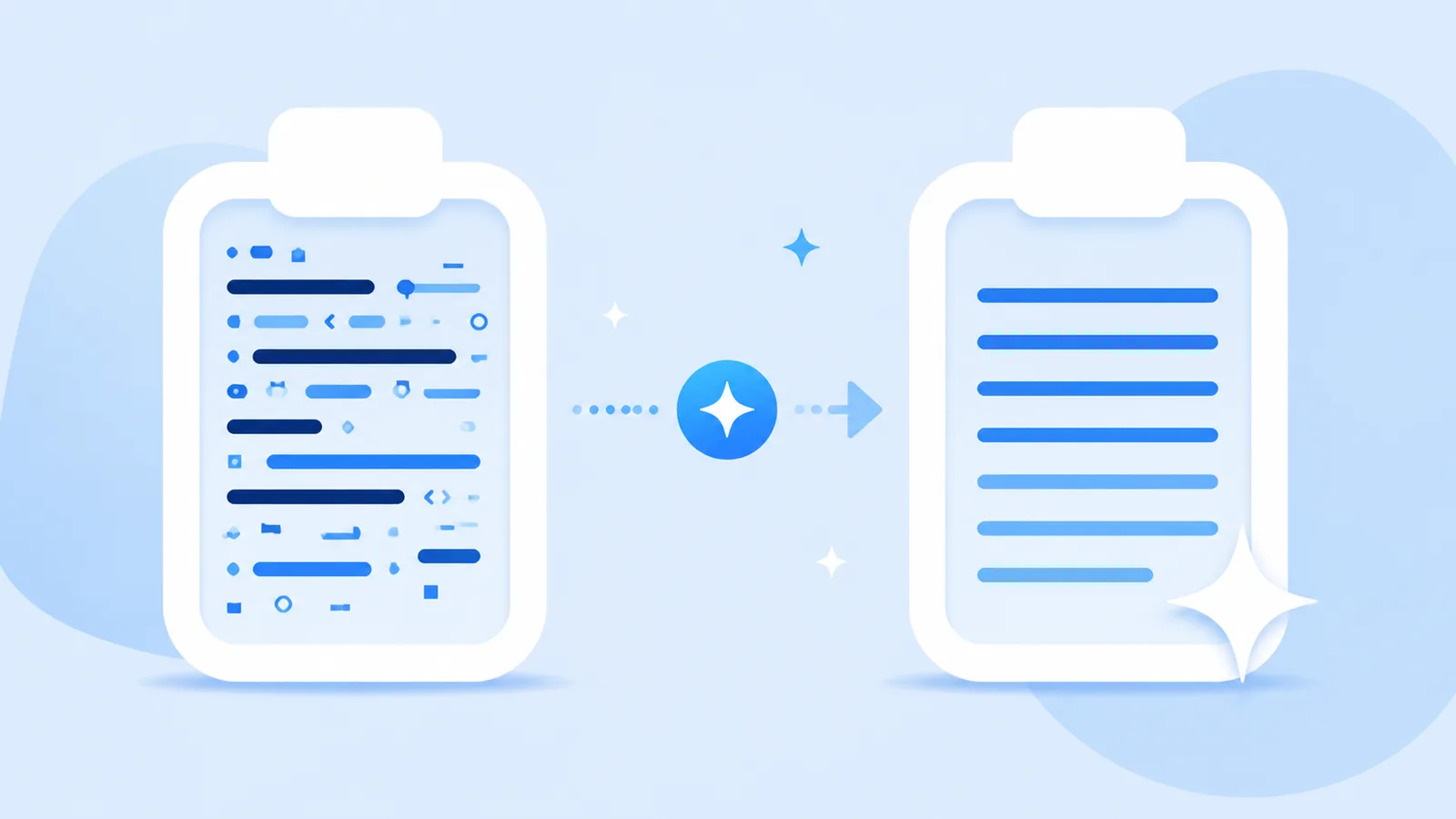
Here’s the summary: **Section 1** - Item A with narrow space > Note: verify carefully
Here's the summary:

Section 1
• Item A with narrow space

Note: verify carefully
Why Clean Paste Matters
Copying straight from AI tools injects non-printing Unicode characters, trailing Markdown wrappers, and irregular spacing into your target apps.
Our invisible character and markdown cleaners run directly inside your browser. No private text is ever uploaded for free cleaning.
Detects zero-width spaces, U+202F narrow spaces, byte order marks, and 60+ invisible characters with surgical precision.
Keeps visible words and paragraph structure intact while purging hidden formatting bugs.
How It Works
Drop your copied snippet from ChatGPT, Claude, Gemini, or any web application into the workspace.
Review an itemized count of zero-width tokens, narrow spaces, and markdown tags found in the draft.
Strip characters and markdown for free locally, or use Pro rewrite when you need complete wording restructuring.
Features
Scan and strip 60+ non-printing Unicode code points, joiners, and ghost spaces locally in your browser.
Flatten raw headings, bold asterisks, blockquotes, and code fences into clean plain text for publishing.
Reconstruct draft phrasing using Pro semantic rewriting when watermarks are embedded directly in word choice.
Refine stiff transition formulas and mechanical sentence pacing into organic, reader-friendly prose.
Definition
A clean paste utility is a dedicated text sanitizer that strips hidden digital noise—such as non-printing Unicode bytes, narrow no-break spaces, and raw markdown syntax—from clipboard text before you paste it into your destination documents.
Clean Paste AI prioritizes local, zero-leak browser hygiene for free formatting cleanup, while offering optional Pro semantic restructuring for users whose drafts require comprehensive rewriting.
Technical Sources
Invisible Unicode artifacts, Markdown residue, and official statistical watermarks are three distinct mechanisms with different solutions.
| Mechanism | Technical Description | How Clean Paste AI Handles It |
|---|---|---|
| Invisible Unicode Artifacts | Zero-width spaces (U+200B), narrow no-break spaces (U+202F), and format code points copied from web UIs. | Free local in-browser scan and deletion. Visible words remain unchanged. |
| Markdown & Formatting Noise | Heading hashes, bold asterisks, code fences, and bracketed links. | Free local in-browser stripping to clean plain text. |
| Statistical Sampling Watermarks | Mathematical bias in token selection probability during model generation (e.g., Claude's official watermark). | Pro semantic sentence reconstruction. Rebuilds phrasing while keeping meaning intact. |
“Nothing is added to the text and there are no hidden characters.”
“U+200B ZERO WIDTH SPACE is intended for line break control without displaying a visible space.”
Markdown syntax adheres to the CommonMark specification: CommonMark Specification.
Use Cases
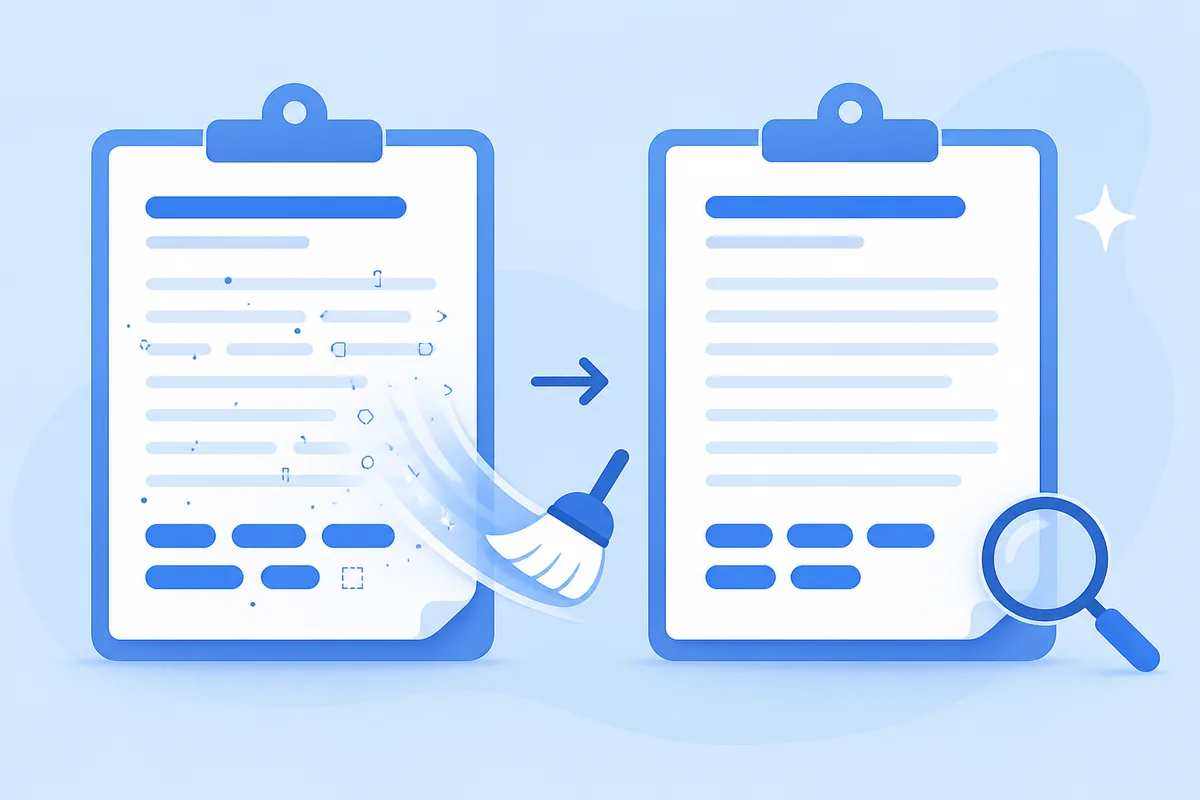
Sanitize articles before publishing to WordPress, Webflow, or Notion without letting invisible tokens break meta fields.
Open the tool →
Turn raw AI chat transcripts into clean, unformatted plain text ready for style guides and editorial review.
Open the tool →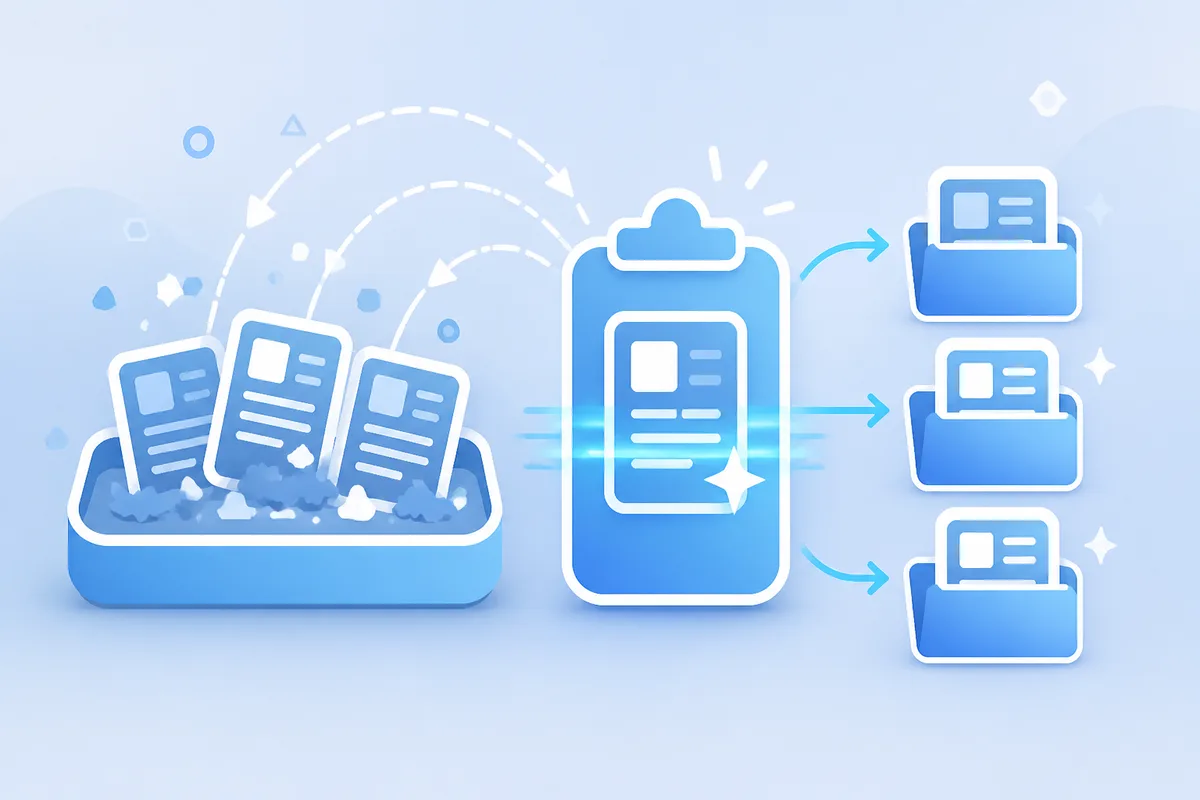
Ensure client copy is free from embarrassing markdown tags and zero-width artifacts before sending final files.
Open the tool →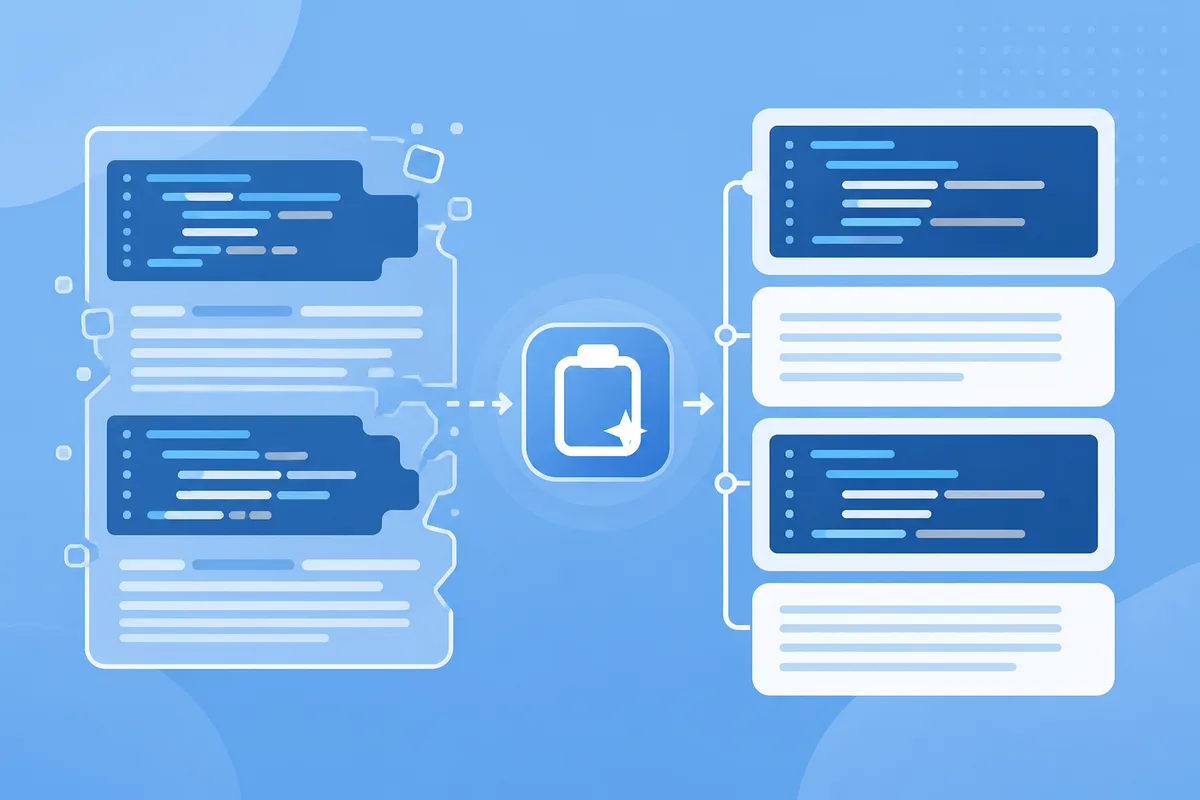
Normalize assistant code comments and release notes before pushing to repositories or internal wikis.
Open the tool →Testimonials
“Pasting from AI into Google Docs used to create weird font glitches. Clean Paste AI strips the zero-width spaces in one click before I paste.”
Publishing Editor
Digital Media
“The Markdown stripper is essential for our knowledge base. It turns chatty Markdown output into pristine plain text without file uploads.”
Technical Writer
SaaS Documentation
“I love that the Unicode cleaner runs locally in my browser. Confidential client drafts stay private, and the Pro rewrite helps when cadence is stiff.”
Copywriter
Content Agency
Guides
Explore dedicated walkthroughs for cleaning output from specific AI platforms.
Strip invisible Unicode spaces, zero-width tags, and unwanted markdown before pasting into docs. Inspect exact residue counts to keep formatting clean.
ToolsStrip invisible Unicode spaces, zero-width tags, and unwanted markdown before pasting into docs. Inspect exact residue counts to keep formatting clean.
ToolsStrip invisible Unicode spaces, zero-width tags, and unwanted markdown before pasting into docs. Inspect exact residue counts to keep formatting clean.
ToolsStrip invisible Unicode spaces, zero-width tags, and unwanted markdown before pasting into docs. Inspect exact residue counts to keep formatting clean.
ToolsStrip invisible Unicode spaces, zero-width tags, and unwanted markdown before pasting into docs. Inspect exact residue counts to keep formatting clean.
ToolsStrip invisible Unicode spaces, zero-width tags, and unwanted markdown before pasting into docs. Inspect exact residue counts to keep formatting clean.
ToolsClean Paste AI Blog
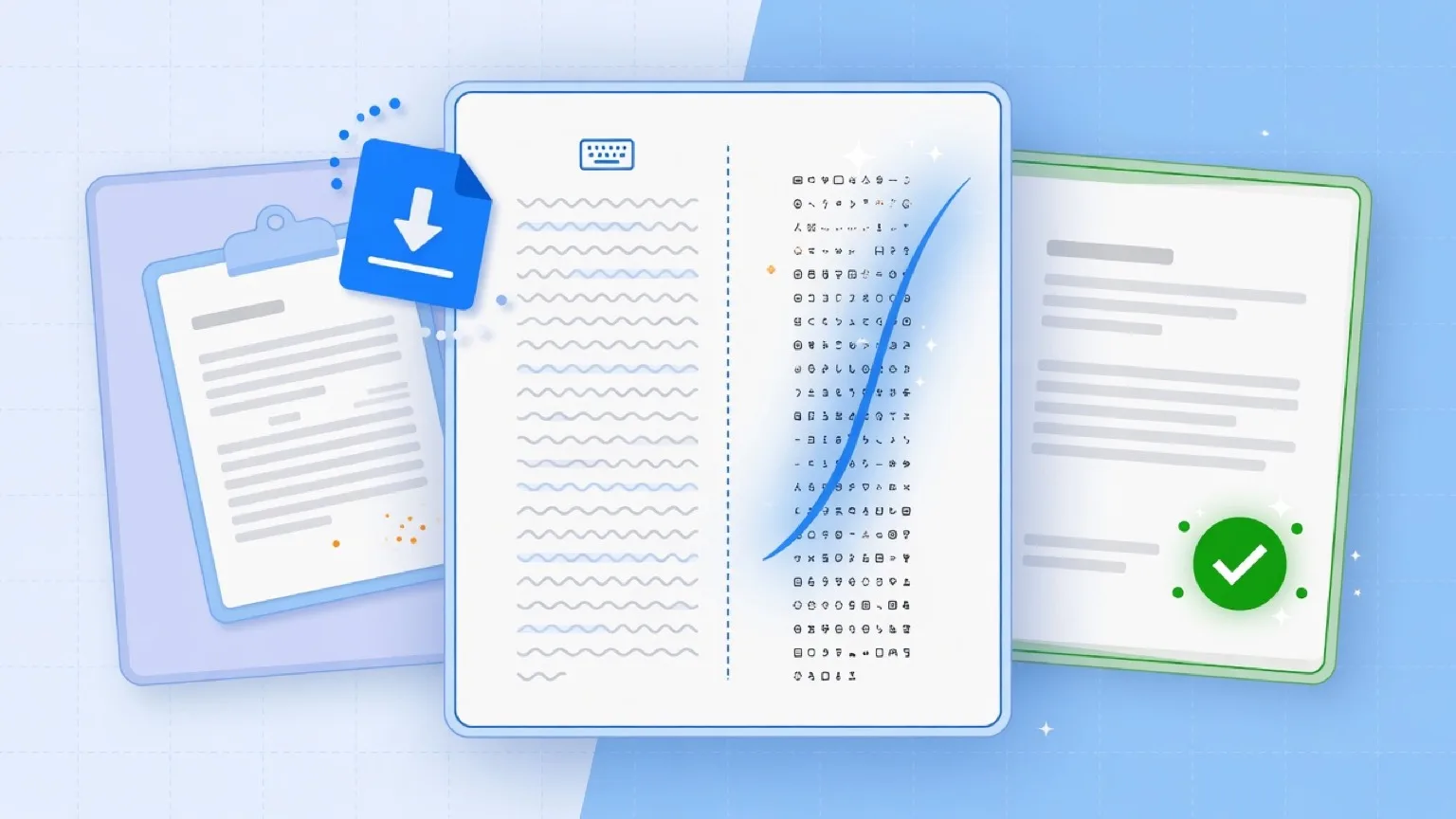
Ctrl+Shift+V removes rich formatting, not necessarily nonstandard Unicode. A standards-based guide to plain-text paste, hidden characters, and cleanup.
Read article →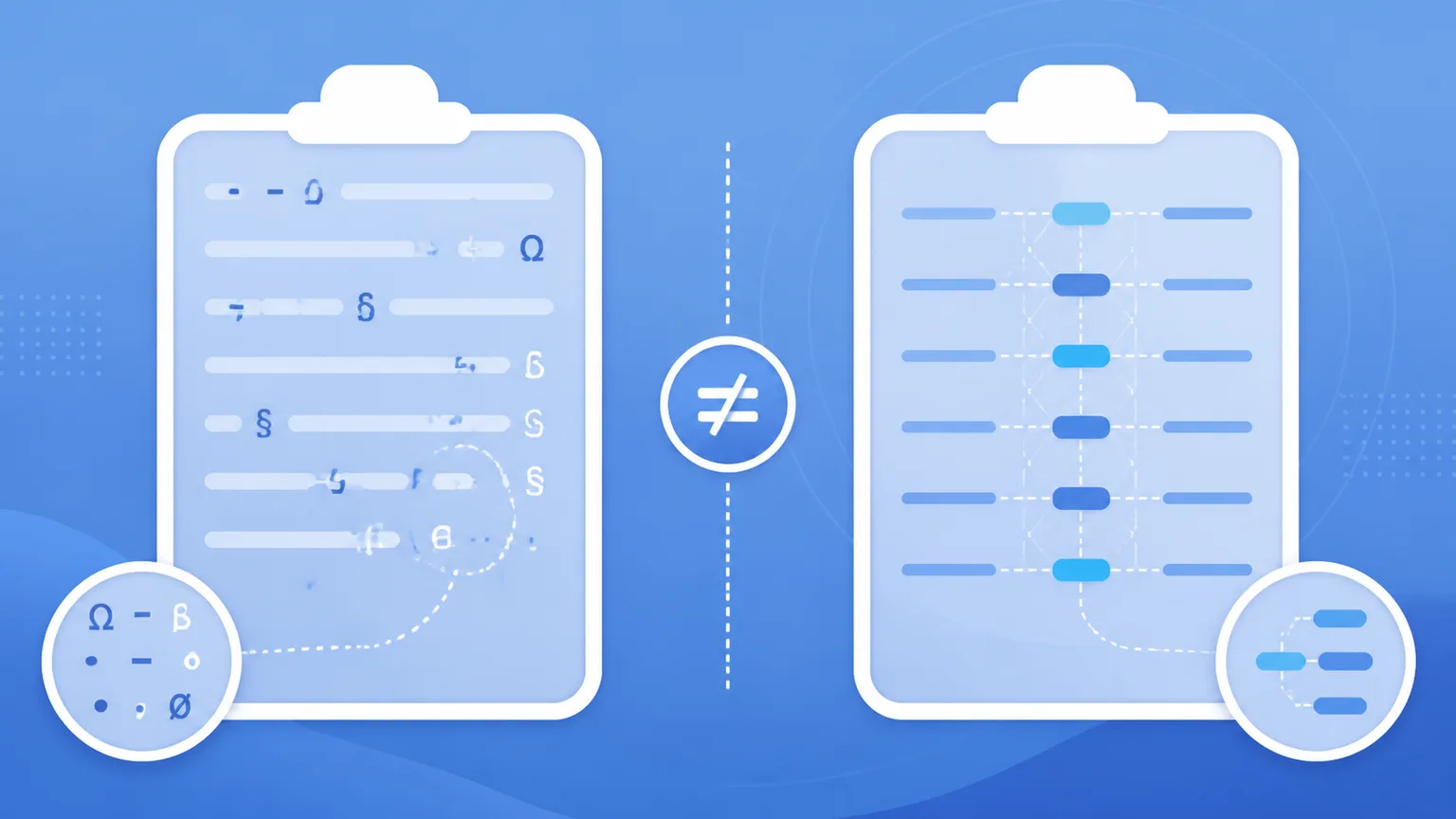
When you copy text from modern artificial intelligence models, subtle artifacts often travel with it. However, not all "AI marks" are created equal. In technical discussions and day-to-day writing workflows, creators frequently confuse two completely different layers of text traces: **clipboard paste residue** and **statistical sampling watermarks**.
Read article →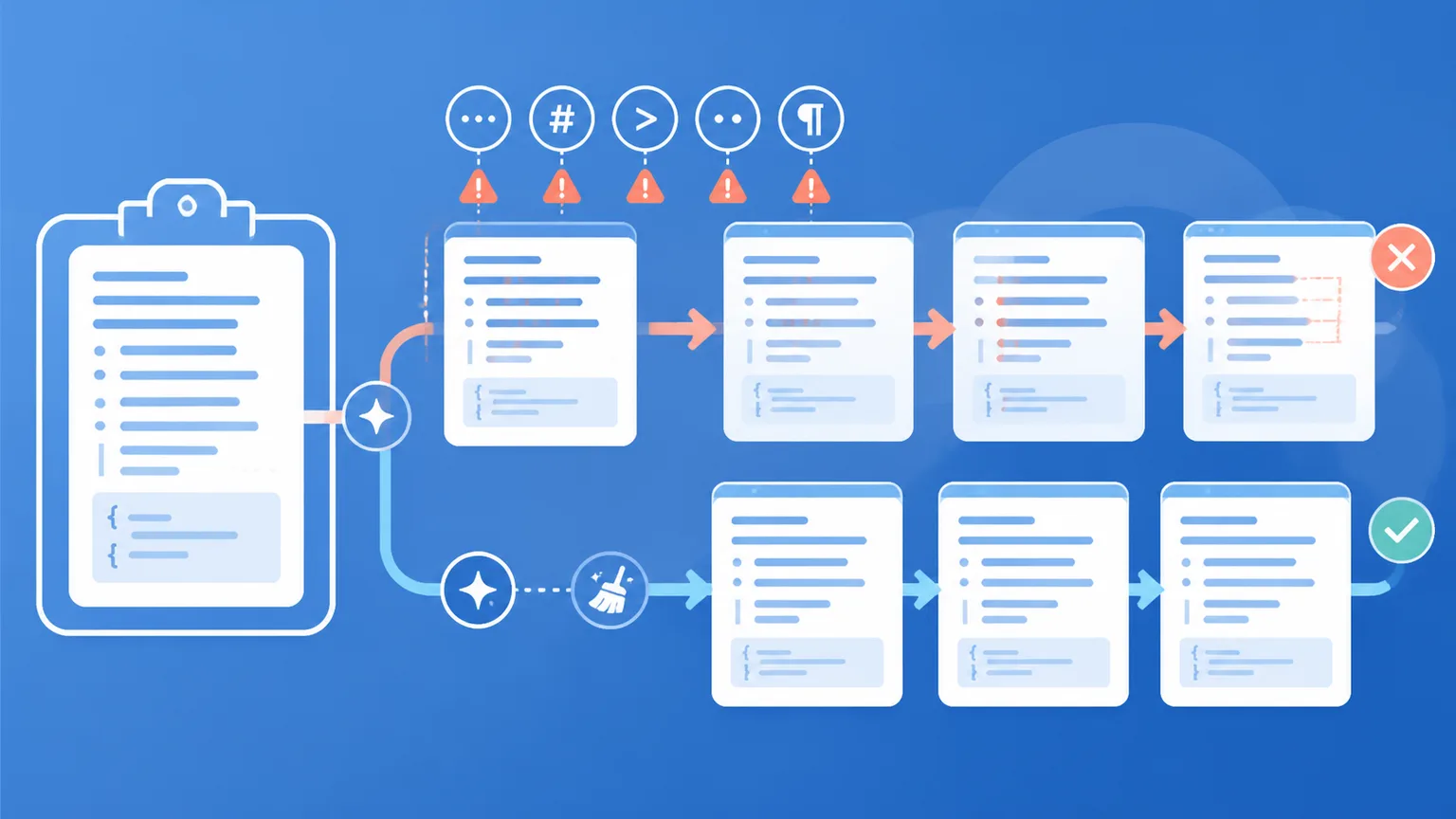
Copying text from AI assistants into Microsoft Word, Google Docs, Notion, or Excel seems simple on the surface. Yet almost everyone who uses AI regularly has experienced strange formatting bugs: mysterious font shifts, erratic line wraps, spreadsheet formulas that suddenly return `#VALUE!`, or database search queries that fail for no apparent reason.
Read article →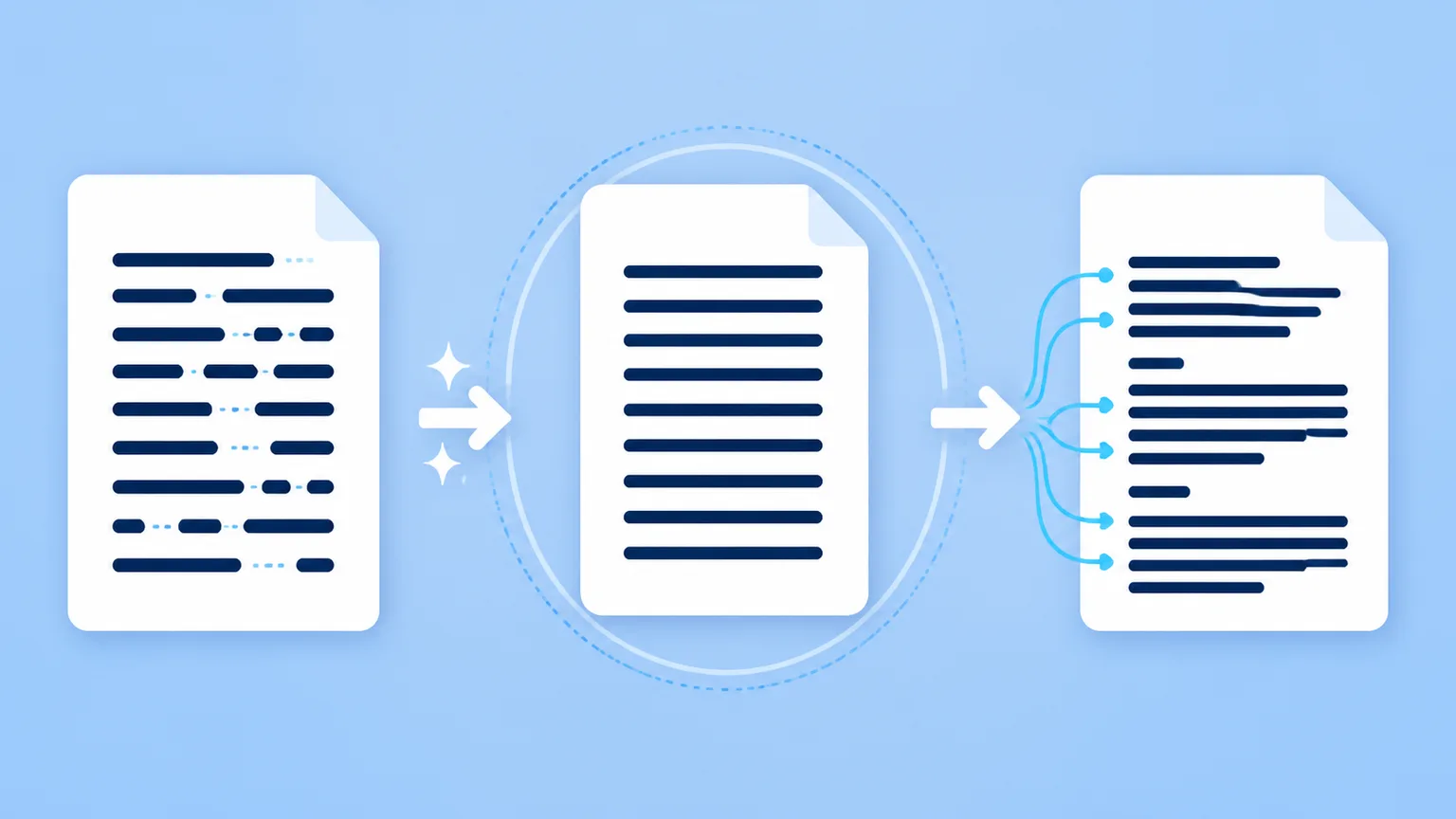
In the world of AI text processing, local character sanitation is the essential first step. Stripping invisible Unicode code points (like zero-width joiners and narrow no-break spaces) and removing unrendered markdown tags restores clean typography and fixes document glitches.
Read article →Invisible Unicode code points from clipboard pastes are mechanical artifacts easily removed locally. Mathematical statistical watermarks (like Claude's sampling mark) live in word choice and require semantic rewrites. We do not claim guaranteed AI detector bypass or removal of unreleased proprietary verification signatures.
FAQ
AI web interfaces often insert invisible Unicode code points (like zero-width joiners and U+202F narrow no-break spaces) alongside raw Markdown symbols. When pasted into Word, Docs, or CMS platforms, these hidden tokens break line wrapping, disrupt search matching, and cause font anomalies.
No. Clean Paste AI processes all invisible character detection and Markdown stripping 100% locally in your web browser using JavaScript. Your text stays entirely on your computer during free cleaning passes.
Cleaning invisible characters deletes non-printing Unicode marks and Markdown tags without modifying a single word of your writing. A Pro rewrite completely rephrases sentences and vocabulary to adjust cadence or address statistical sampling watermarks.
Yes. Clean Paste AI detects and normalizes U+202F narrow no-break spaces into standard spaces, preventing layout collisions and formula errors in spreadsheets.
No. Claude's official watermark is a statistical bias in token selection during generation and contains no hidden characters. Our free scanner removes clipboard formatting residue, but addressing statistical sampling marks requires our Pro meaning-preserving rewrite.
No. We do not promise AI detector bypass. Our utilities are built to restore clean typography, remove digital clutter, and polish draft readability honestly without deceptive evasion claims.
Every guest user can test up to 500 words of Pro rewrite free. New registered accounts receive 10 bonus credits (10 credits = 1,000 Pro words). If a Pro rewrite job ever fails due to a server error, your consumed credits are refunded automatically.
About
Clean Paste AI was created to solve clipboard friction: AI-assisted text frequently introduces invisible characters and markup noise that break document layouts and database queries.
We built a clean, privacy-focused browser workspace that makes text sanitation fast and transparent. Free tools run entirely on your device, and Pro rewriting is available when wording-level adjustments are required. We are an independent tool not affiliated with Anthropic, OpenAI, or Google.
Sanitize your clipboard in seconds with free in-browser tools, or reconstruct text with Pro credits.