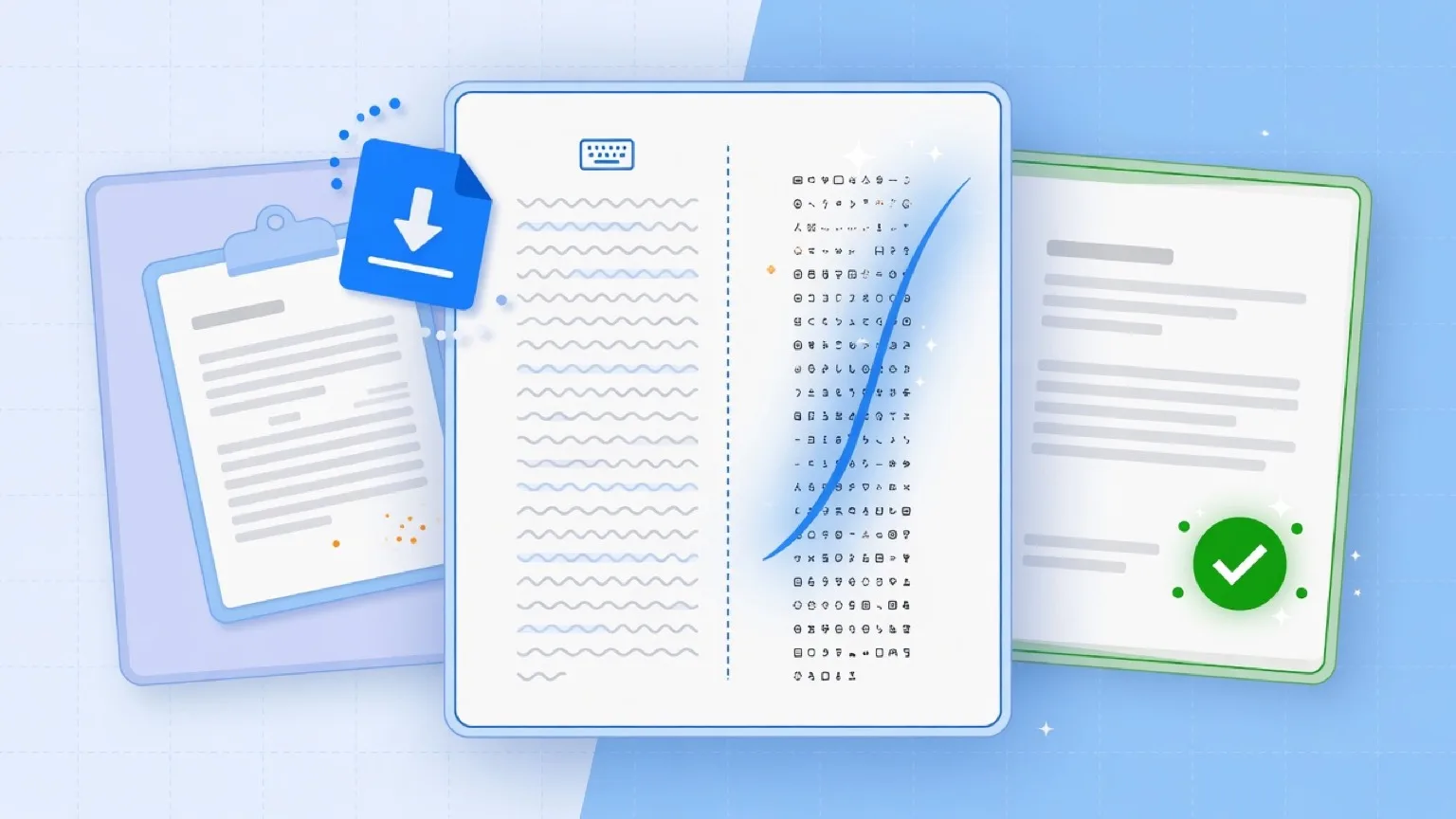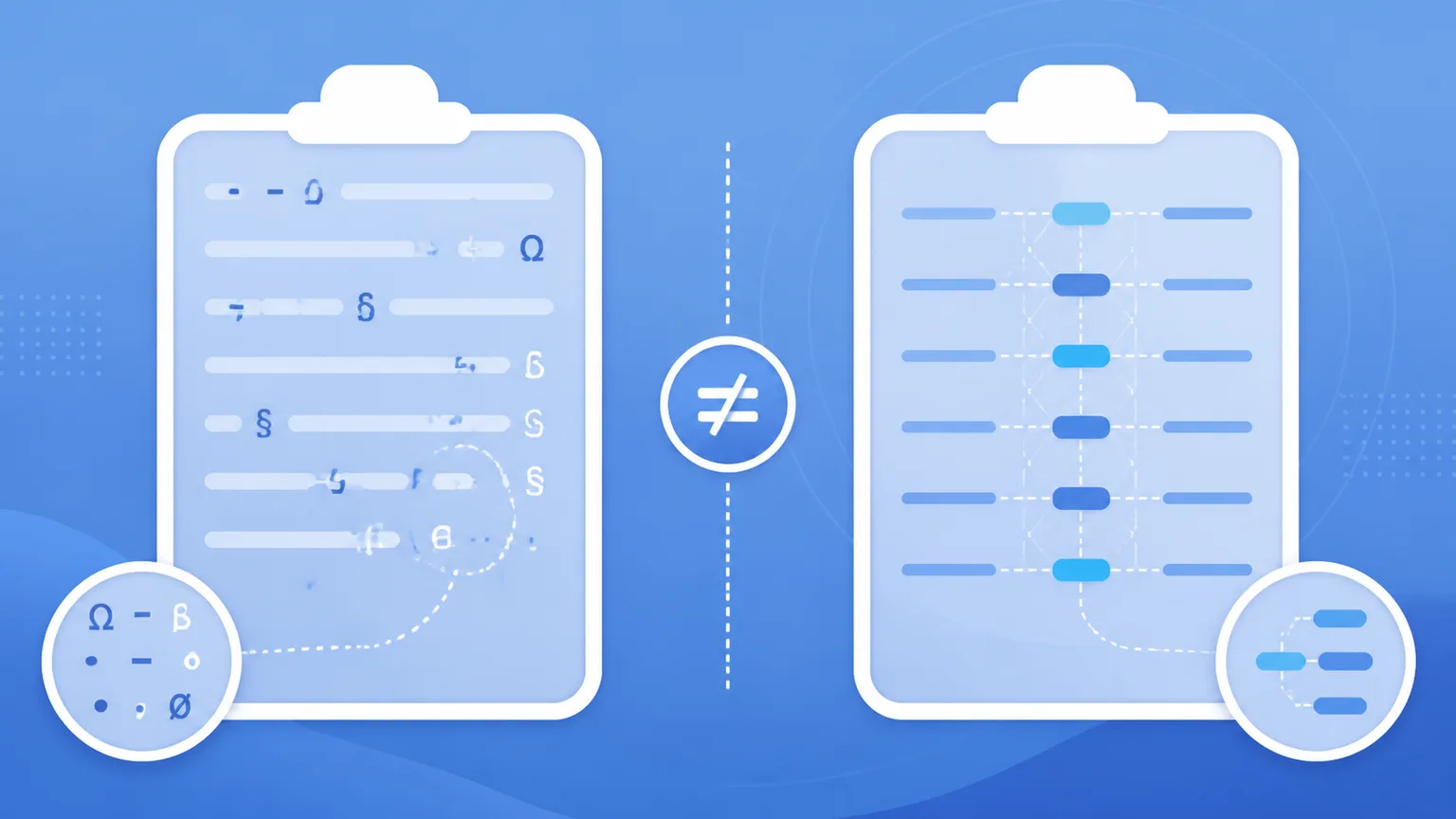
When you copy text from modern artificial intelligence models, subtle artifacts often travel with it. However, not all "AI marks" are created equal. In technical discussions and day-to-day writing workflows, creators frequently confuse two completely different layers of text traces: clipboard paste residue and statistical sampling watermarks.
Treating these distinct phenomena as a single problem leads to frustration. Trying to delete physical characters to remove a statistical bias is technically impossible, just as paying for expensive cloud rewrites to fix a simple zero-width space is unnecessary.
In this guide, we break down how clipboard residue differs from statistical model marks, why each happens, and how to choose the right hygiene tool for your workflow.
What Is Clipboard Residue?
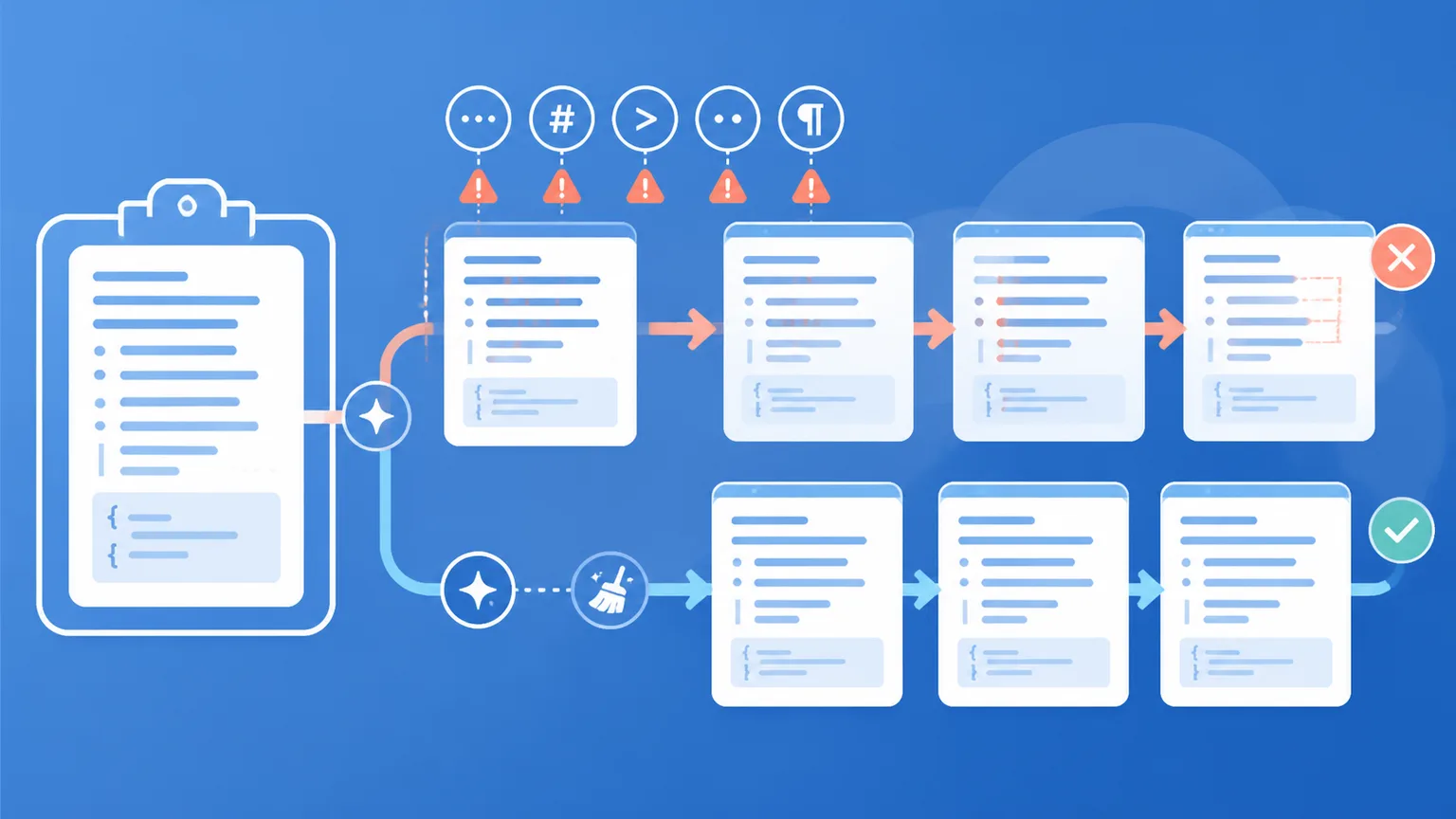
Clipboard residue consists of non-printing Unicode code points, non-standard whitespace, and raw formatting tags captured when copying text from web chat interfaces or rich-text editors.
Common Examples of Clipboard Residue
- Narrow No-Break Space (
U+202F): Widely seen in output copied from ChatGPT's web interface, especially around numbers, currency figures, and mathematical units. - Zero-Width Spaces (
U+200B) and Joiners (U+200D): Non-printing control characters used by web frontends to manage line wrapping or compound glyph rendering. - Byte Order Marks (
U+FEFF): Invisible zero-width markers sometimes appended during text stream serialization. - Raw CommonMark Syntax: Heading hashes (
#), emphasis asterisks (**), and code block fences (```
Why Clipboard Residue Breaks Documents
While these characters are invisible to the naked eye in most chat windows, software parsers treat them as distinct byte sequences. When you paste this uncleaned text into:
- Spreadsheets (Excel, Google Sheets): Numbers containing
U+202Ffail numerical validation and breakSUMorVLOOKUPformulas. - Content Management Systems (WordPress, Webflow): Invisible characters sit inside meta title and description tags, corrupting search engine snippets.
- Source Code & Data Pipelines: Hidden zero-width spaces inside string literals cause database lookup mismatches and syntax compilation errors.
The Solution: Fast, Local In-Browser Sanitization
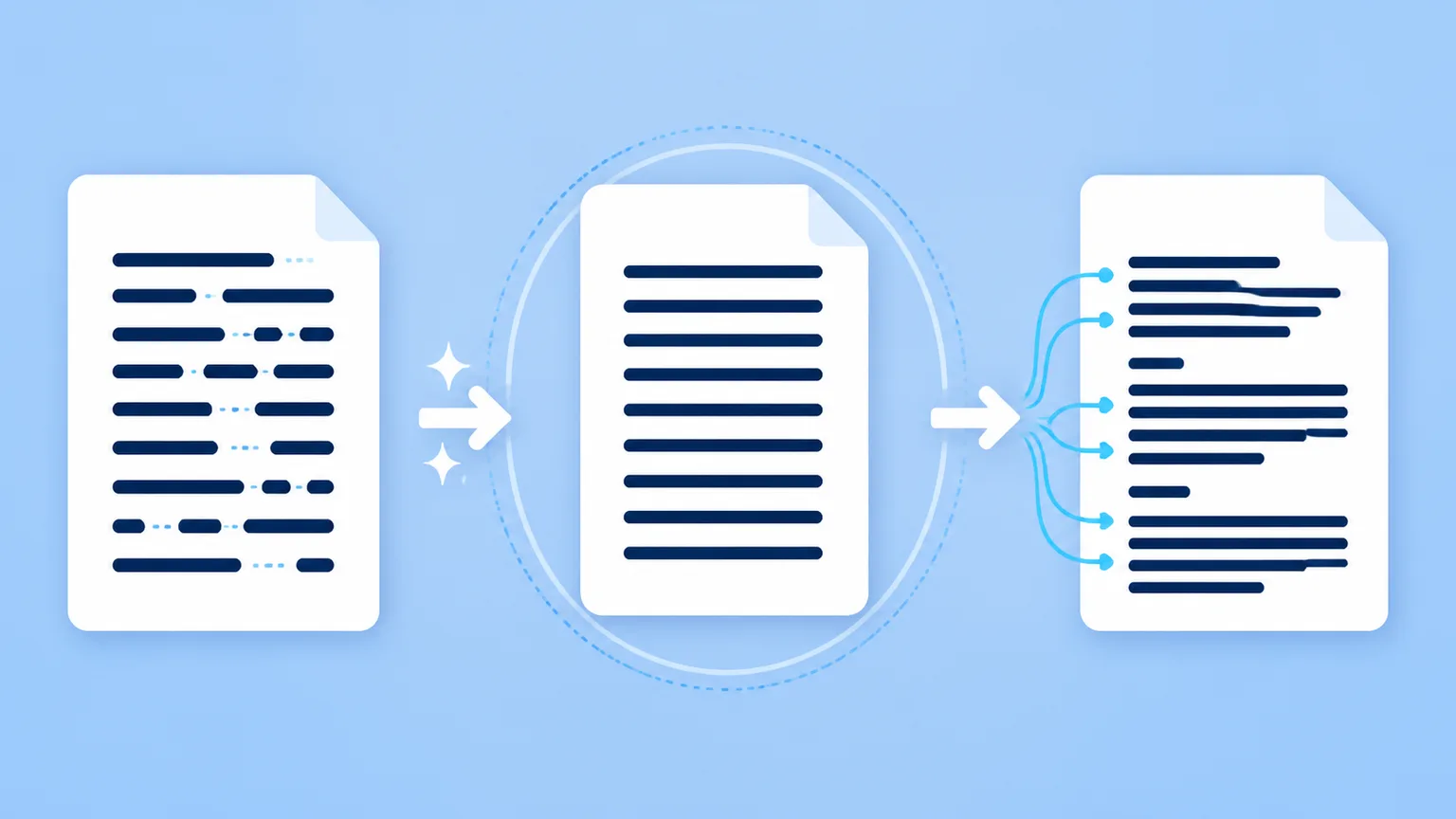
Clipboard residue is purely a mechanical formatting issue. You do not need to alter a single word of your writing to fix it. A client-side text sanitizer—such as Clean Paste AI—runs entirely in your web browser, detecting and deleting non-printing code points in milliseconds with zero privacy risk.
What Are Statistical Sampling Watermarks?
Statistical sampling watermarks operate on an entirely different level: vocabulary distribution and token selection probabilities.
How Statistical Watermarking Works
When a large language model (such as Anthropic's Claude) generates a response, it evaluates a probability distribution over thousands of candidate words (tokens). As disclosed in Anthropic's official technical research (How Claude's text watermark works, August 2026), the system uses a secret pseudorandom key to subtly boost the selection probability of specific candidate tokens.
Key facts about official statistical watermarks:
- No Invisible Characters: The text contains zero hidden bytes, secret Unicode markers, or steganographic tags.
- Word-Choice Pattern: The watermark exists entirely in the statistical relationship between adjacent words across long paragraphs.
- Key-Dependent Detection: Only an entity possessing the private cryptographic key (e.g., Anthropic's internal verification API) can calculate whether the word choices match the pseudo-random key.
Why Character Cleaning Cannot Touch Statistical Marks
Because statistical watermarks are baked into the choice of visible words, deleting non-printing Unicode characters or stripping markdown formatting does not affect the mathematical distribution of your vocabulary.
If an AI detector evaluates the statistical perplexity or sampling bias of a paragraph, surface character cleaners will leave that statistical signature completely intact.
The Solution: Semantic Sentence Reconstruction
To alter a statistical sampling watermark, you must change the words and sentence structures themselves. This requires a meaning-preserving semantic rewrite:
- Varying clause lengths and grammatical transitions.
- Substituting formulaic phrases with authentic synonyms.
- Breaking symmetrical sentence structures into dynamic prose.
This can be accomplished either through careful manual line-editing or via dedicated semantic reconstruction tools (like Clean Paste AI's Pro Text Watermark Remover).
Comparing the Two Mechanisms
| Dimension | Clipboard Paste Residue | Statistical Sampling Marks |
|---|---|---|
| Origin | Web UI rendering, browser clipboard serialization | Model token probability bias during generation |
| Physical Form | Invisible Unicode bytes (U+202F, U+200B, U+FEFF, Markdown tags) | Natural visible words with subtle statistical distribution bias |
| Visible Text | Identical visible words; only hidden bytes present | Words chosen according to a pseudo-random key |
| Impact | Breaks layout wrapping, formulas, CMS fields, and code parsers | Enables cryptographic attribution of AI-generated text |
| Cleaning Method | Free In-Browser Sanitizer (strips bytes in JavaScript) | Pro Semantic Rewrite (reconstructs sentence phrasing) |
| Data Transmission | 100% Local (never leaves your computer) | Server-assisted neural rewrite |
Practical Checklist: How to Clean Your AI Pastes
To keep your publishing pipeline clean, follow this practical two-step checklist:
Step 1: Always Run a Local Character Scan First
Whenever you copy text from ChatGPT, Claude, Gemini, or any web assistant, paste it into a local clipboard sanitizer first.
- Normalize
U+202Fnarrow spaces into standard ASCII spaces. - Purge all non-printing
U+200Bzero-width spaces and soft hyphens. - Flatten unrendered CommonMark hashes and bold asterisks into clean plain text.
- Result: Your document formatting remains predictable, formulas calculate accurately, and search indexing operates smoothly.
Step 2: Decide if the Phrasing Requires Restructuring
Once your draft is mechanically clean, evaluate the writing style:
- If the content is purely factual or short technical documentation, character cleaning is all you need.
- If the draft is a long-form essay, thought-leadership piece, or marketing article with rigid AI cadence or potential sampling traces, apply a Pro semantic rewrite to introduce natural sentence rhythm.
Conclusion
Understanding the difference between clipboard residue and statistical watermarks brings clarity to your content operations. Use lightweight, local tools to keep your document typography spotless, and rely on semantic rewrites when you need natural human cadence.