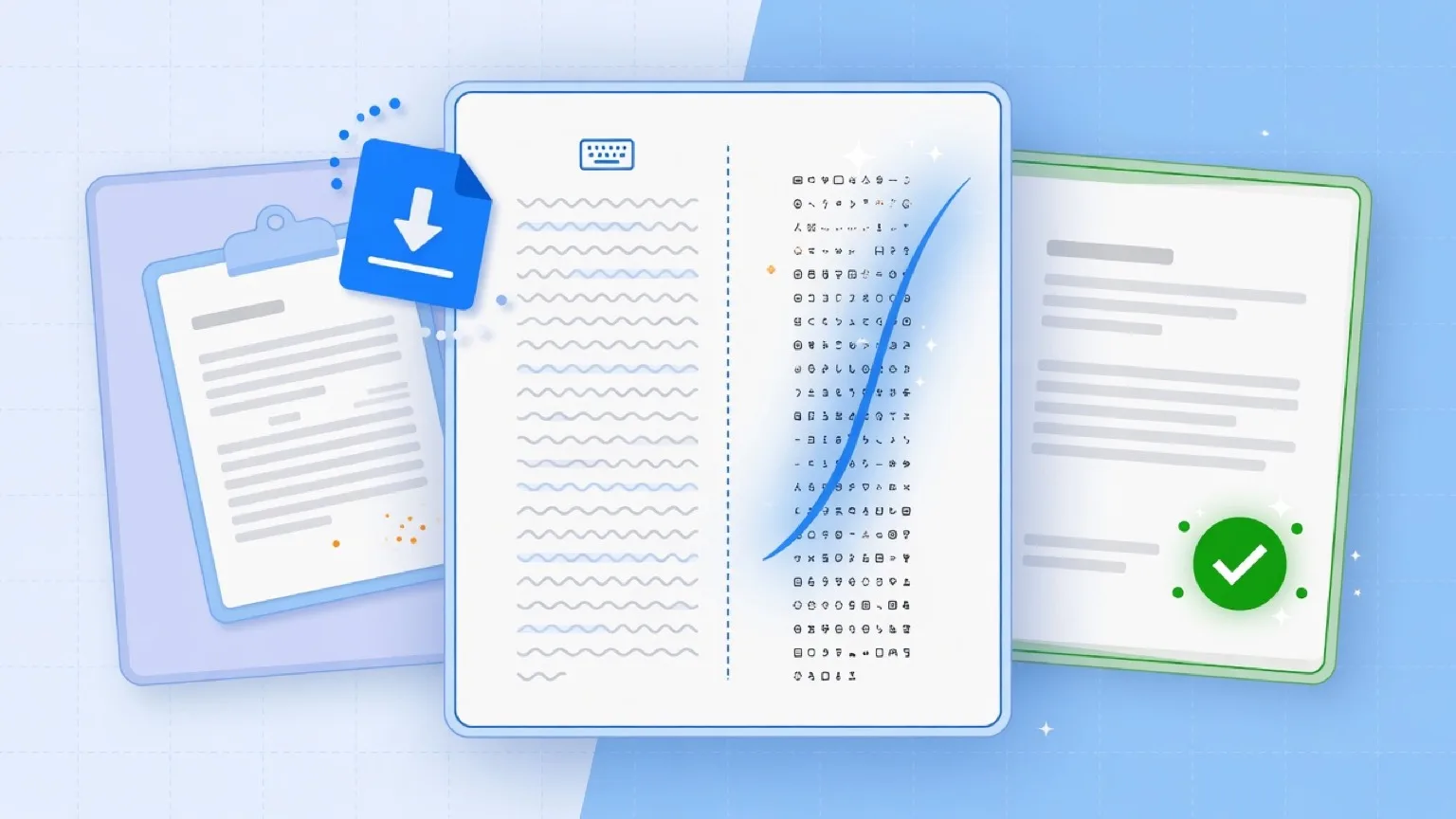
Copying text from AI assistants into Microsoft Word, Google Docs, Notion, or Excel seems simple on the surface. Yet almost everyone who uses AI regularly has experienced strange formatting bugs: mysterious font shifts, erratic line wraps, spreadsheet formulas that suddenly return #VALUE!, or database search queries that fail for no apparent reason.
These bugs are not random computer glitches. They are caused by invisible characters and rich-text markup transferred during copy-paste operations.
In this article, we explain the root causes behind broken pastes in modern productivity software and demonstrate how to sanitize your text in seconds.
1. The Anatomy of a Copy-Paste Operation
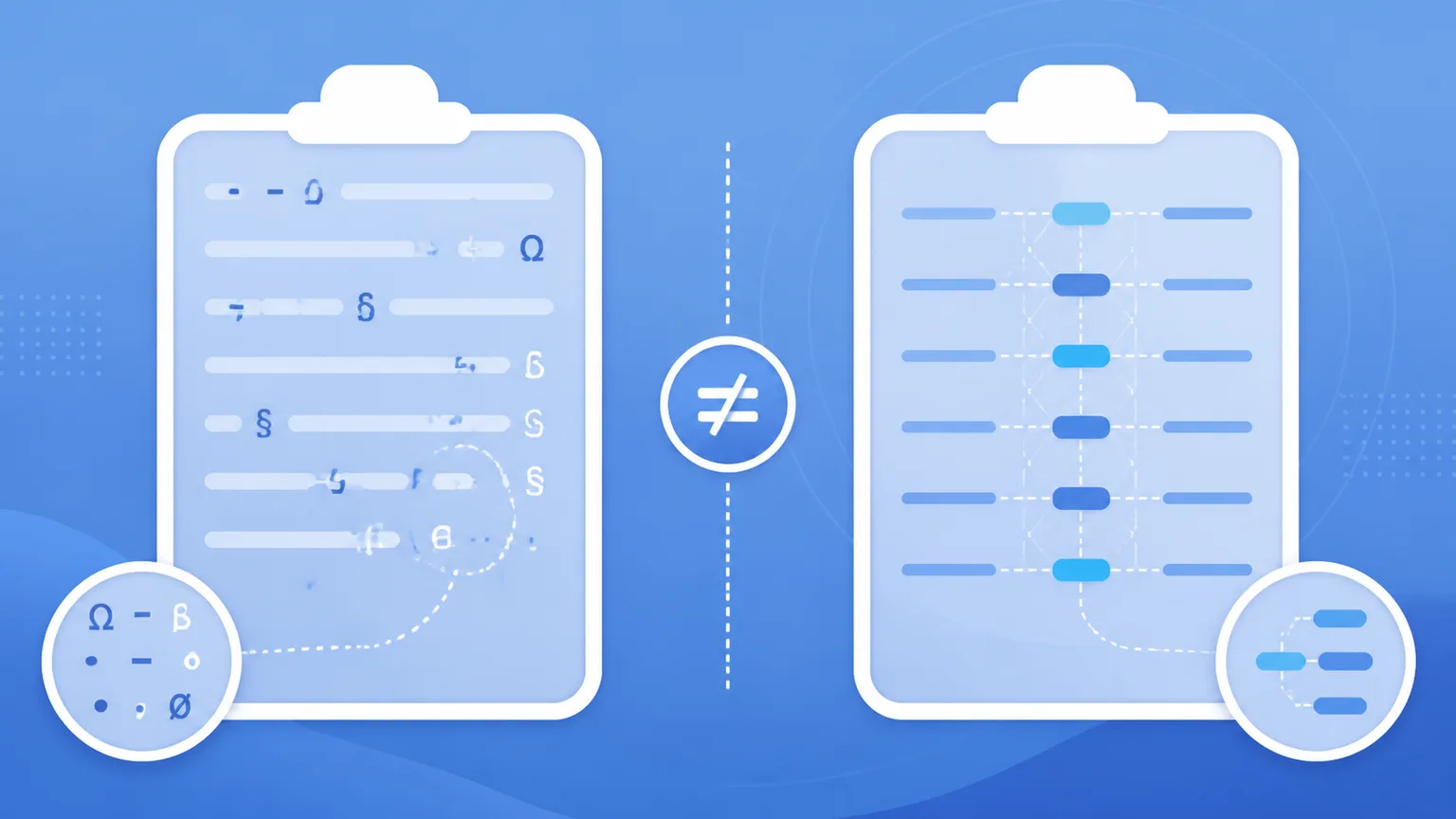
When you highlight text on a webpage (such as ChatGPT, Claude, or Gemini) and press Ctrl+C or Cmd+C, your browser does not merely copy plain ASCII characters. Modern operating systems place multiple data payloads onto your system clipboard simultaneously:
text/plain: The raw character stream.text/html: The styled HTML fragment representing how the text was rendered in the browser.text/rtf(on desktop apps): Rich-text formatting rules.
When you paste (Ctrl+V or Cmd+V) into Google Docs or Word, the destination software reads the rich text/html payload to preserve styling. Along with that styled text come hidden Unicode code points and CSS span wrappers.
2. Four Invisible Culprits That Break Document Layouts
Culprit 1: The Narrow No-Break Space (U+202F)
ChatGPT's web interface commonly formats numbers and currency with U+202F (Narrow No-Break Space) for visual elegance (e.g., 10 000 instead of 10 000).
- How it breaks docs: A narrow no-break space prevents word processors from breaking lines between numbers and units.
- How it breaks spreadsheets: Excel and Google Sheets do not recognize
U+202Fas standard whitespace. The cell is treated as a text string rather than a numerical value, causing mathematical functions like=SUM(A1:A10)to fail silently or throw errors.
Culprit 2: Zero-Width Characters (U+200B, U+200C, U+200D)
Zero-width spaces (ZWSP), zero-width non-joiners (ZWNJ), and zero-width joiners (ZWJ) occupy zero horizontal pixels on your screen.
- How they break docs: Word processors count zero-width characters in character totals. If placed awkwardly, they cause erratic cursor movement, phantom line wrapping, and broken hyphenation.
- How they break code and databases: A zero-width space inside an identifier or JSON key string (
{"status": "active"}) prevents exact string matching, causing silent API and database failures.
Culprit 3: Byte Order Marks (U+FEFF)
Originally used to indicate endianness in Unicode text streams, stray BOM characters frequently get attached to clipboard buffers during web rendering.
- How it breaks publishing: In CMS platforms like WordPress, a leading BOM character in a title field can prevent permalink slug generation or break XML sitemaps.
Culprit 4: Unrendered CommonMark Syntax
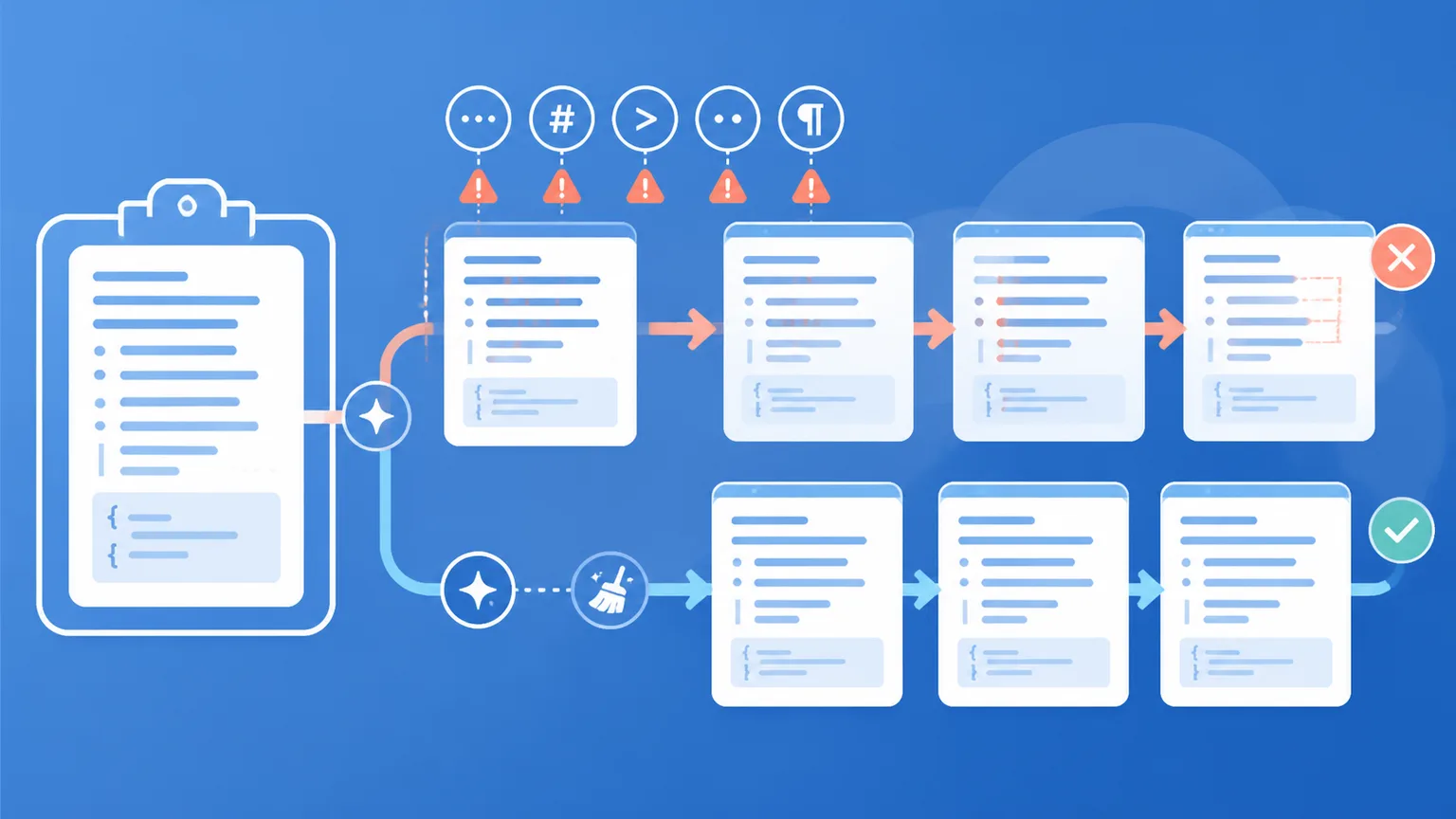
When copying responses from AI chatbots, users often inadvertently capture markdown syntax:
- Heading hashes (
#,##) - Bold asterisks (
**) - Unrendered blockquote brackets (
>) - Code block backticks (```
When pasted into applications that do not support markdown natively (such as plain-text emails, CRM notes, or support tickets), these symbols render as visual junk that confuses colleagues and clients.
3. How to Clean Your Pastes Without Compromising Privacy
Fixing clipboard glitches does not require complex macros or paid software installations. You can restore clean, predictable typography using client-side text sanitizers.
The Fast In-Browser Fix
Clean Paste AI was built specifically to solve clipboard formatting friction. It operates directly within your web browser:
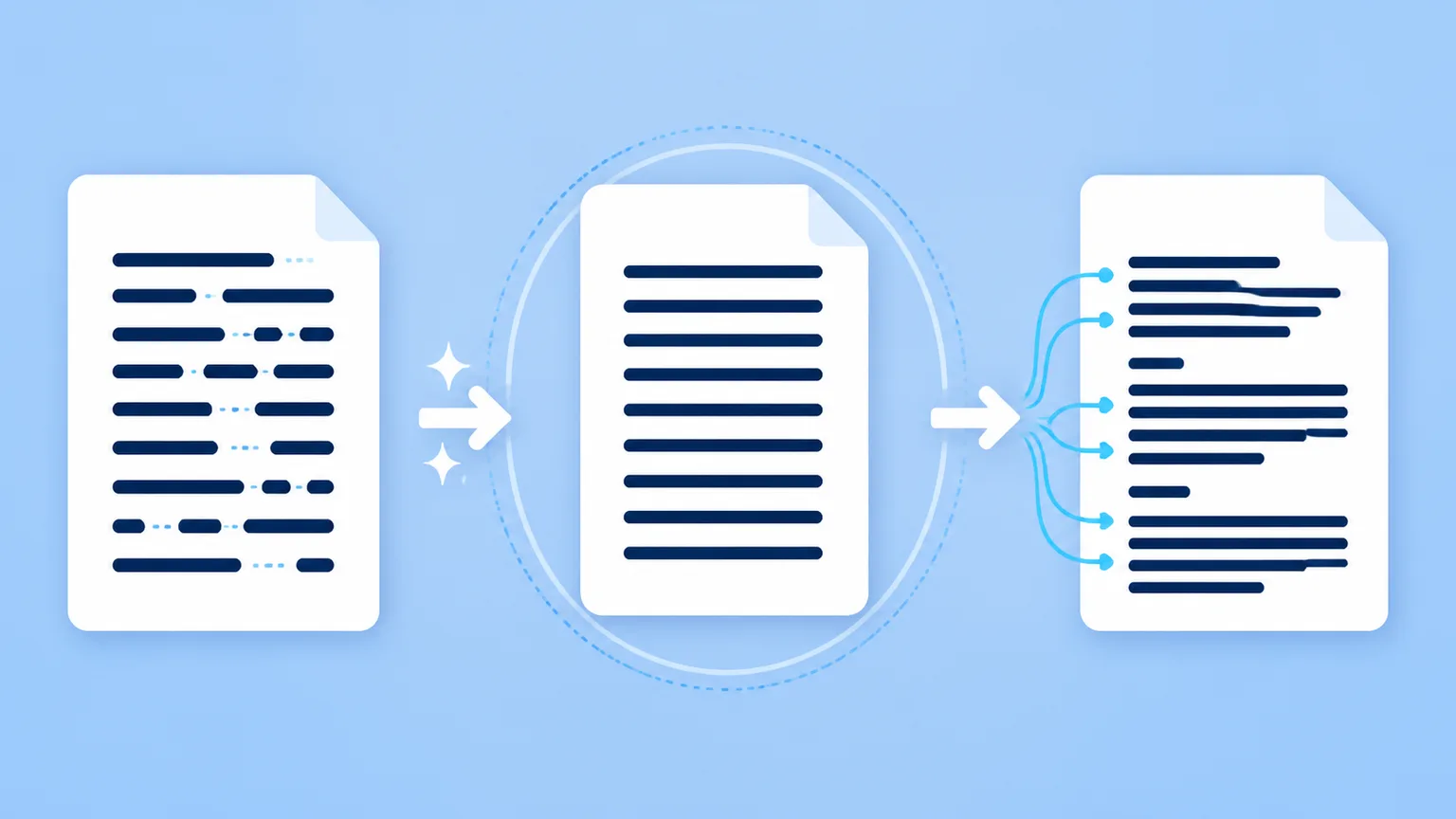
- Instant Inspection: Paste your copied text into the workspace. The tool catalogs every hidden zero-width space, narrow whitespace, and markdown symbol instantly.
- Deterministic Cleanup: Click Clean to normalize
U+202Finto standard ASCII spaces, delete all zero-width characters, and strip raw markdown tags. - 100% Client-Side Privacy: The entire scanning and stripping process executes inside your browser's local JavaScript memory. Your text is never transmitted across the network or stored on any server.
4. Best Practices for Professional Teams
To maintain document cleanliness across your organization, adopt these standard operating habits:
- Sanitize Before Spreadsheet Ingestion: Run AI-generated financial data and tables through a text sanitizer before pasting into Excel or Google Sheets.
- Clean Article Excerpts: Always strip invisible characters and markdown tags before pasting meta descriptions, titles, or teaser copy into your CMS.
- Use Plain Paste (
Ctrl+Shift+V/Cmd+Shift+V): Whenever possible, use your operating system's "Paste and Match Style" shortcut to avoid carrying unwanted HTML font families into your documents.
Summary
When pasted AI text breaks in your documents, don't waste time manually hunting for invisible characters. Use a dedicated, private clipboard cleaner to strip non-printing artifacts and ensure clean, dependable formatting every time you paste.
Tips for pasting generated text cleanly
When transferring generated passages into CMS fields or document editors, review How to Clean Paste AI Output Without Formatting Errors to keep your styles consistent.