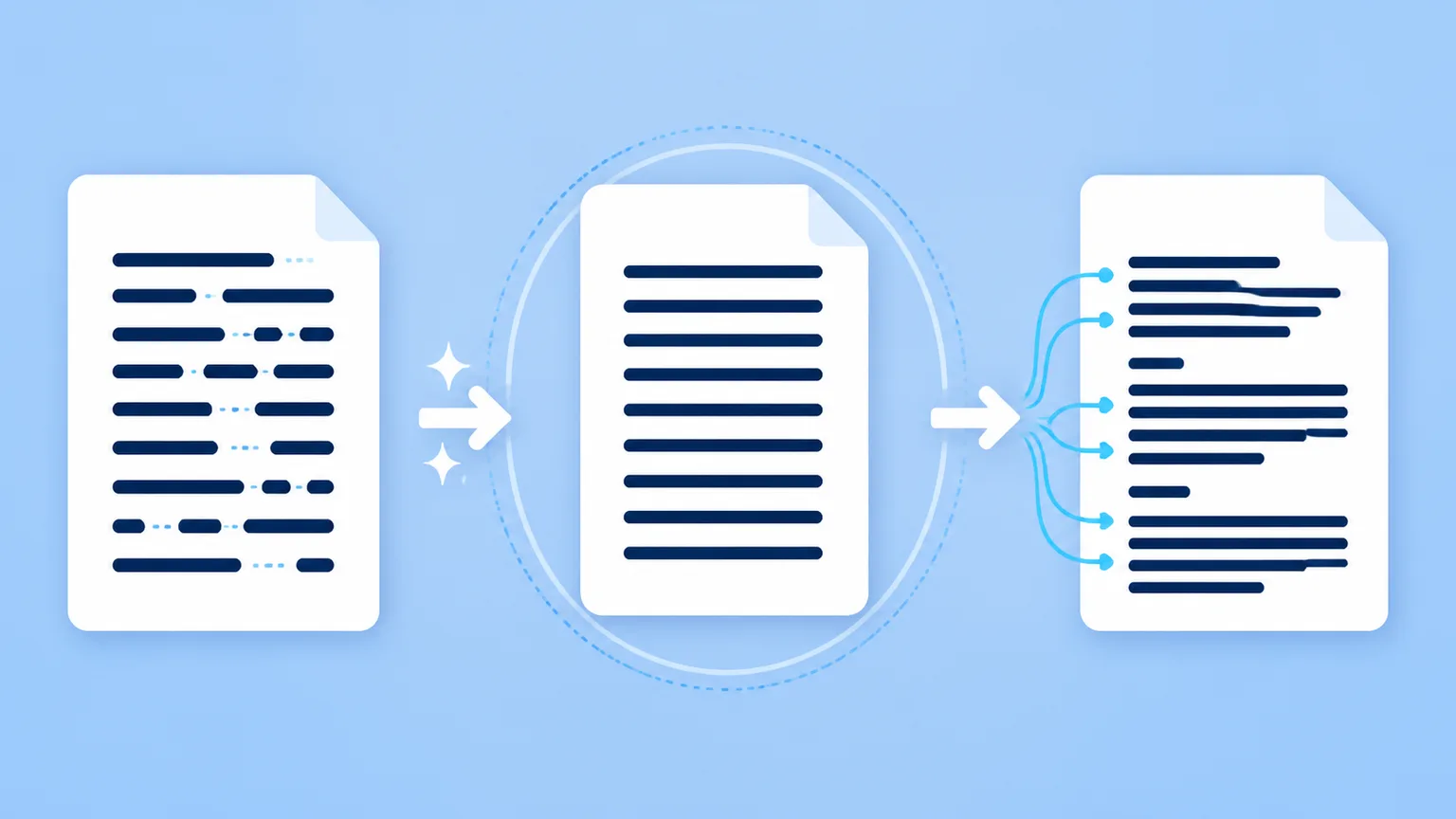
You copy text from ChatGPT, Google Docs, Microsoft Word, a website, or another editor. You paste it with Ctrl+Shift+V on Windows or Cmd+Shift+V on macOS. The fonts, colors, links, and layout disappear.
It is tempting to conclude that the text is now completely clean.
That conclusion goes too far.
Plain-text paste removes a formatting layer; it is not a Unicode sanitizer or a Markdown parser.
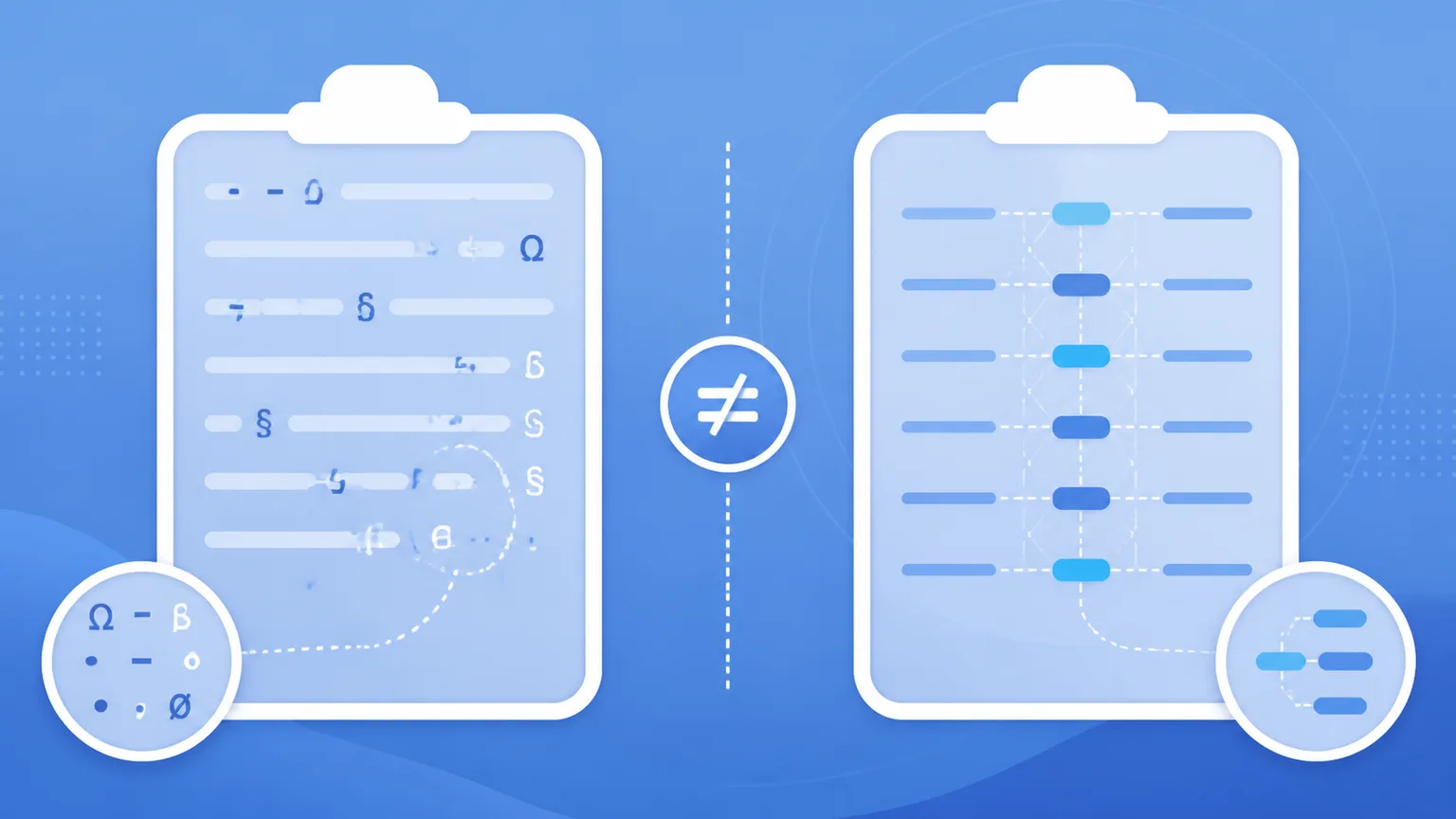
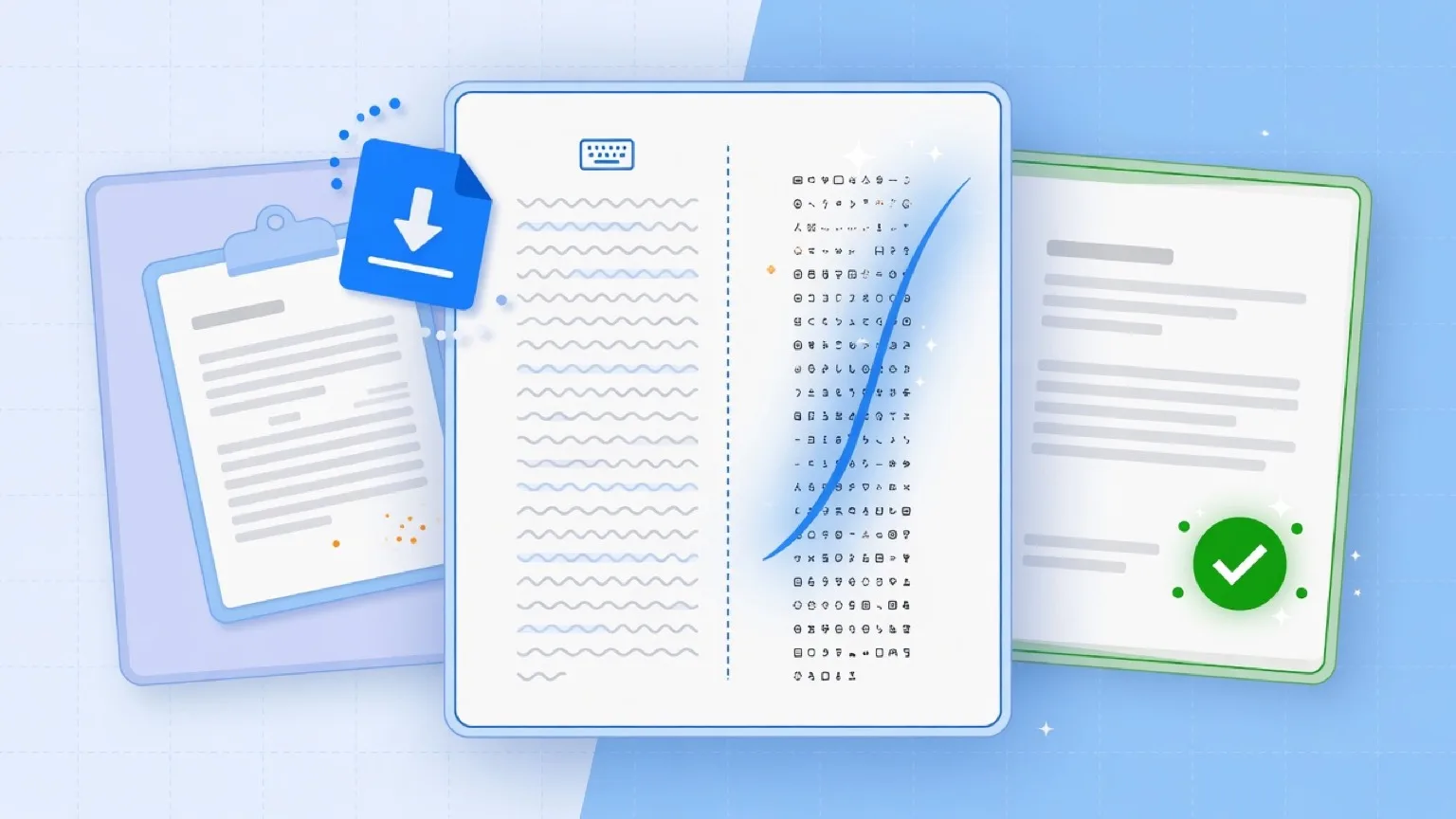
A clipboard can carry several representations of the same copied content. Plain-text paste usually instructs the destination application to use the plain-text representation instead of the rich HTML representation. That removes visual styling, but the selected plain text can still contain nonstandard spaces, zero-width characters, directional marks, smart punctuation, and visible Markdown syntax.
These are separate layers that require separate cleanup operations.
What “paste without formatting” actually means
“Paste without formatting” describes how the destination application handles clipboard data. It does not define a universal character-cleaning algorithm.
The primary purpose of the command is to prevent copied styling from entering the destination document. It may discard font families, font sizes, text colors, background colors, rich hyperlinks, tables, indentation, and other presentation details.
It does not automatically:
- convert every space-like character to U+0020;
- remove every invisible Unicode character;
- normalize every Unicode sequence;
- delete Markdown markers;
- identify whether text came from an AI system;
- rewrite content into a different style.
The distinction starts with how clipboard data is represented.
A clipboard can expose more than one representation
Clipboard standards allow copied content to be exposed in multiple formats. Two common representations are:
text/plaintext/html
The text/html version can preserve rich formatting. It may contain HTML elements for paragraphs, headings, links, lists, emphasis, tables, and inline styles.
The text/plain version contains characters without the same HTML presentation layer. It is normally the representation an application requests when you select a plain-text paste command.
This does not mean the plain-text representation is limited to basic English letters or ASCII. It can contain the full range of Unicode characters supported by the copying application.
For example, the plain-text payload may still contain:
- U+202F NARROW NO-BREAK SPACE;
- U+200B ZERO WIDTH SPACE;
- U+00A0 NO-BREAK SPACE;
- curly quotation marks;
- em dashes;
- non-Latin scripts;
- emoji;
- Markdown markers such as
#,**, and backticks.
The clipboard format and the characters inside that format are separate concerns.
Choosing text/plain instead of text/html removes one representation layer. It does not determine which Unicode code points remain inside the plain-text representation.
What Word and Google Docs mean by plain-text paste
Microsoft Word uses terminology such as Paste Text Only. Google Docs uses Paste without formatting.
Both commands focus primarily on formatting behavior. You are asking the destination editor to insert the copied wording without carrying over the source document’s rich visual styling.
That is useful when copying from a website into a report, moving text between documents with different styles, or preventing source fonts and colors from disrupting the destination.
It is not the same request as:
> Inspect every character and replace or remove selected Unicode code points.
An application may perform incidental conversions during a paste operation. Different operating systems, browsers, source applications, and destination applications can behave differently. You should not treat those incidental changes as a guaranteed Unicode sanitation policy.
The reliable claim is narrower: plain-text paste is primarily intended to discard rich formatting.
Plain text can still contain nonstandard Unicode
“Plain text” describes the absence of a rich presentation structure. It does not mean every character is ordinary, visible, interchangeable, or ASCII-compatible.
A plain-text file can contain thousands of different Unicode characters. Some are visible. Some affect spacing or line breaking. Some influence text direction. Some have no visible width.
That flexibility is necessary for international text processing. It also creates residue that can be difficult to detect when moving content between applications.
U+0020 and U+202F are different characters, not different font styles
U+0020 is the ordinary SPACE character used throughout basic Latin text.
U+202F is NARROW NO-BREAK SPACE.
They may look similar in many interfaces, but they are not two visual styles applied to the same character. They are different Unicode code points with different intended behaviors.
U+202F has legitimate typographic uses. It creates a narrow space while preventing a line break at that position. It can appear in language-specific typography, including French conventions, and in other contexts where a narrow nonbreaking gap is appropriate.
Because U+202F is a character, not merely HTML styling, it can survive the removal of rich formatting.
Consider this simplified sequence:
word<U+202F>wordIf that sequence exists inside the clipboard’s text/plain representation, selecting plain-text paste does not logically require the destination application to change it to:
word<U+0020>wordThe paste command may remove a surrounding <span> element, a font declaration, or a nonbreaking-space HTML entity from the HTML representation. That does not guarantee it will normalize every space-like code point already present in the plain-text representation.
When exact character identity matters, inspect or sanitize the Unicode layer directly. The Unicode remover is designed for that job, while the paste residue detector helps surface characters that ordinary visual review may miss.
Why “plain” does not mean “ASCII”
ASCII is a small character set covering basic English letters, digits, punctuation, and control characters.
Unicode is much broader. It supports writing systems, symbols, punctuation conventions, emoji, mathematical notation, combining marks, formatting controls, and specialized spacing characters.
Modern plain text is normally Unicode text. A .txt file can contain Chinese characters, Arabic text, accented letters, emoji, smart quotes, and narrow no-break spaces while remaining plain text.
Converting all plain text to ASCII would damage legitimate content. It could remove names, languages, mathematical symbols, and meaningful punctuation.
A responsible cleaner therefore needs explicit rules. It should distinguish between:
- legitimate international characters;
- characters that are unusual but intentional;
- invisible controls that are unwanted in a specific workflow;
- compatibility characters that may need normalization;
- punctuation that should remain unchanged;
- spacing characters that should be converted only under a defined rule.
“Remove formatting” does not address those requirements. It only identifies the presentation layer being discarded.
The U+202F ChatGPT case: evidence vs. assumption
Reports about U+202F in AI-generated text have led some users to treat the character as proof of hidden AI marking.
That interpretation is not supported by the observation alone.
A character can be evidence that a particular text-processing path produced unusual spacing. It is not automatically evidence of intent, authorship, tracking, or a formal watermarking system.
What the OpenAI Community report actually observed
A public OpenAI Community report described U+202F appearing in GPT-5 output.
That report matters because it records a concrete user observation: text produced in that context included NARROW NO-BREAK SPACE characters where the user did not expect them.
It should still be described accurately. It is a public bug report or user report, not an official OpenAI architecture or mechanism document.
The report does not, by itself, determine:
- why the character appeared;
- whether it came directly from model generation;
- whether interface processing contributed to it;
- whether it affected every output;
- whether the behavior was stable across products or versions;
- whether OpenAI intended it as a watermark.
When your practical goal is to inspect or remove this kind of residue, a dedicated ChatGPT text cleaner is more effective than relying on plain-text paste. It examines the character layer directly rather than assuming the paste command transformed it.
What it does not establish
Finding U+202F does not prove that ChatGPT generated the text.
It also does not establish that ChatGPT intentionally inserted the character as a watermark, fingerprint, or tracking marker.
U+202F has legitimate uses and can enter text through many routes:
- language-aware typography;
- document editors;
- web content;
- copy-and-paste transformations;
- imported documents;
- conversion tools;
- publishing systems;
- manual insertion;
- generated text from systems unrelated to ChatGPT.
Even when a reported ChatGPT output contains U+202F, the safest conclusion is limited: that specific output contained U+202F.
Anything stronger requires additional evidence.
Character cleanup can remove an unwanted code point. It cannot reliably reconstruct the complete origin of the text and should not be used as an authorship detector.
Markdown survives for a different reason
Markdown can remain after plain-text paste even when all rich formatting disappears.
The reason is not that the paste operation failed. Markdown belongs to the plain-text layer.
Markdown is plain-text syntax
CommonMark defines Markdown as a plain-text format. Its formatting instructions are expressed through ordinary visible characters.
For example:
# Heading

**Bold text**

- List item

[Link text](https://example.com)

`inline code`
The #, asterisks, hyphens, brackets, parentheses, and backticks are standard text characters. They are not HTML formatting attached to the clipboard payload.
When rendered by a Markdown processor, those characters produce headings, bold text, lists, links, and code. When pasted into an editor that does not render Markdown, they remain visible as literal syntax.
Plain-text paste preserves them because they are part of the selected plain-text stream.
This creates an important contrast:
- HTML bold may disappear because the HTML representation was discarded.
- Markdown bold markers may remain because
**exists inside the plain-text representation.
Removing Markdown requires a parser or a controlled syntax-stripping process. It is a distinct operation from selecting text/plain.
The Markdown remover targets that visible syntax directly.
Three separate cleanup jobs
A clean result often requires three independent decisions:
- Which clipboard representation should be pasted?
- Which Unicode characters should be kept, normalized, or removed?
- Which visible plain-text syntax should be stripped?
The following table distinguishes these operations:
| Operation | Removes rich formatting | Changes Unicode code points | Strips Markdown syntax |
|---|---|---|---|
| Paste normally | not guaranteed | no | no |
| Paste as plain text | yes / primary purpose | cannot assume | no |
| Unicode sanitizer | not the main job | yes, depending on rules | no |
| Markdown stripper | no | no | yes |
No single row performs every job.
Rich formatting — the target application’s paste mode
Use Ctrl+Shift+V, Cmd+Shift+V, Paste without formatting, or Paste Text Only when the main issue is inherited presentation.
This is the appropriate first step when copied content introduces unwanted fonts, colors, sizes, HTML links, or document styles.
The destination application controls the result. The same clipboard data may be handled differently by a word processor, content management system, code editor, form field, or messaging application.
Treat this step as representation selection, not complete sanitation.
Unicode residue — Invisible Characters
Use the Invisible Characters workflow when the issue involves the character layer.
This includes cases where text contains unexpected narrow spaces, zero-width characters, nonbreaking spaces, directional controls, or other Unicode residue that persists after standard paste operations.
The free cleaning pass runs locally in the browser and does not send data to a server. It scans and strips Unicode characters according to the selected cleanup behavior.
A standard workflow:
- Paste the source text.
- Open Invisible Characters.
- Review the detected residue.
- Select Clean.
- Verify that meaningful punctuation, spacing, numbers, and wording remain intact.
For a unified entry point, use Clean Paste. This makes character operations explicit rather than assuming a keyboard shortcut handled them.
Visible Markdown syntax — Markdown Tab
Use the Markdown Tab when the unwanted material consists of visible syntax such as headings, emphasis markers, list markers, code fences, or link notation.
This operation remains conceptually separate from Unicode cleanup.
A line beginning with ## is not hidden residue. Two asterisks around a phrase are not a nonstandard space. A Markdown link is not HTML stored by the clipboard.
The free tier processes Unicode and Markdown locally in the browser. Select the relevant Tab, inspect the text, and use Clean for the intended operation.
Separating these operations prevents unintended changes. It also makes the output easier to audit because each change—removing formatting, modifying code points, or stripping syntax—is executed independently.
What this workflow cannot tell you about Claude
Anthropic’s August 14, 2026 statement regarding official text watermarking describes a distinct technical category.
According to that statement, the official watermark does not add hidden characters to Claude’s text. Consequently, a character cleaner cannot remove it simply by deleting zero-width characters, U+202F, or other Unicode residue.
The distinction is fundamental:
- Hidden-character cleanup operates on literal code points in the text.
- A watermarking approach that does not rely on hidden characters does not create removable Unicode residue.
- Markdown stripping operates on visible syntax and is unrelated to that mechanism.
- Plain-text paste only switches the selected clipboard representation.
Anthropic had not publicly released the official detection API associated with that system as of the stated date. Without access to an official detector, character inspection cannot verify whether a piece of text contains that watermark.
This workflow cleans formatting, selected Unicode residue, and Markdown syntax. It cannot determine whether Claude’s official watermark is present, remove a mechanism not stored as hidden characters, or guarantee specific results against AI-text detectors.